Client
R2026bClient block

To add a block to a model, double-click the canvas and start typing the block name. Then, select the block from the list.
Libraries:
Automated Driving Toolbox Interface for Eclipse SUMO Traffic Simulator
Description
Add-On Required: This feature requires the Automated Driving Toolbox Interface for Eclipse SUMO Traffic Simulator add-on.
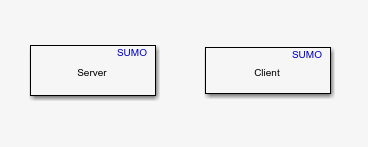
The Client block configures Simulink® as a client for cosimulation with the Eclipse™ Simulation of Urban Mobility (SUMO™) traffic simulator. You can connect multiple clients to a SUMO server and assign the priority of each client during cosimulation.
Examples
Perform Cosimulation Between Simulink and Eclipse SUMO Traffic Simulator
Perform cosimulation between Simulink and Eclipse SUMO traffic simulator.
Parameters
Version History
Introduced in R2026a

