Motor Control
R2026bImplement open-loop or closed-loop field-oriented control (FOC) for brushless DC (BLDC) motor using sensor-based or sensorless position control.
Featured Examples
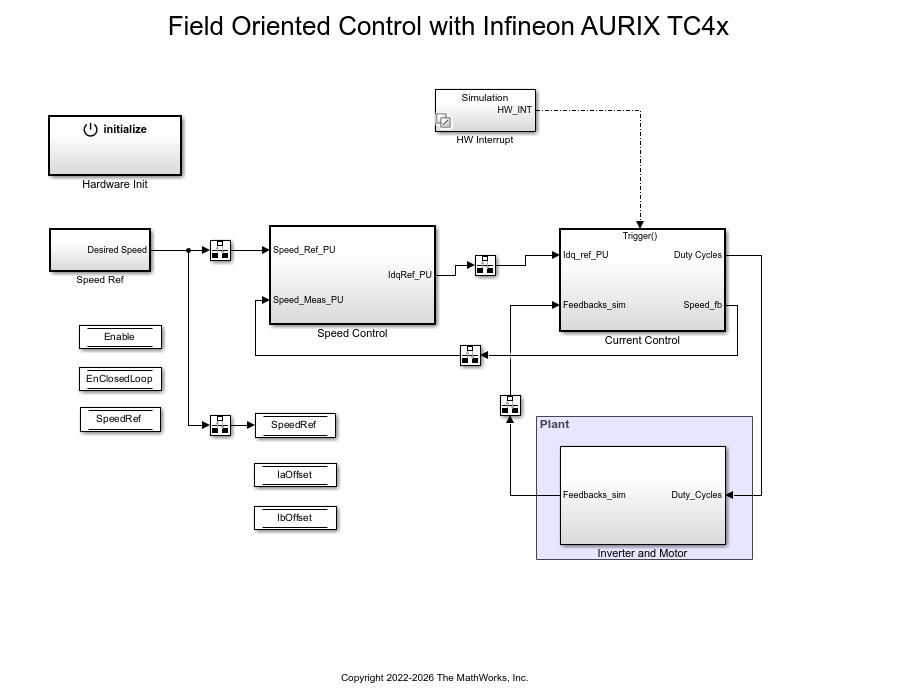
Field-Oriented Control of PMSM with Encoder Using Infineon AURIX Microcontrollers
Implement the field-oriented control (FOC) technique to control the speed of a permanent magnet synchronous motor (PMSM). The FOC algorithm requires rotor position feedback, which is obtained by using an encoder sensor. For more details about FOC, see Field-Oriented Control (Motor Control Blockset).
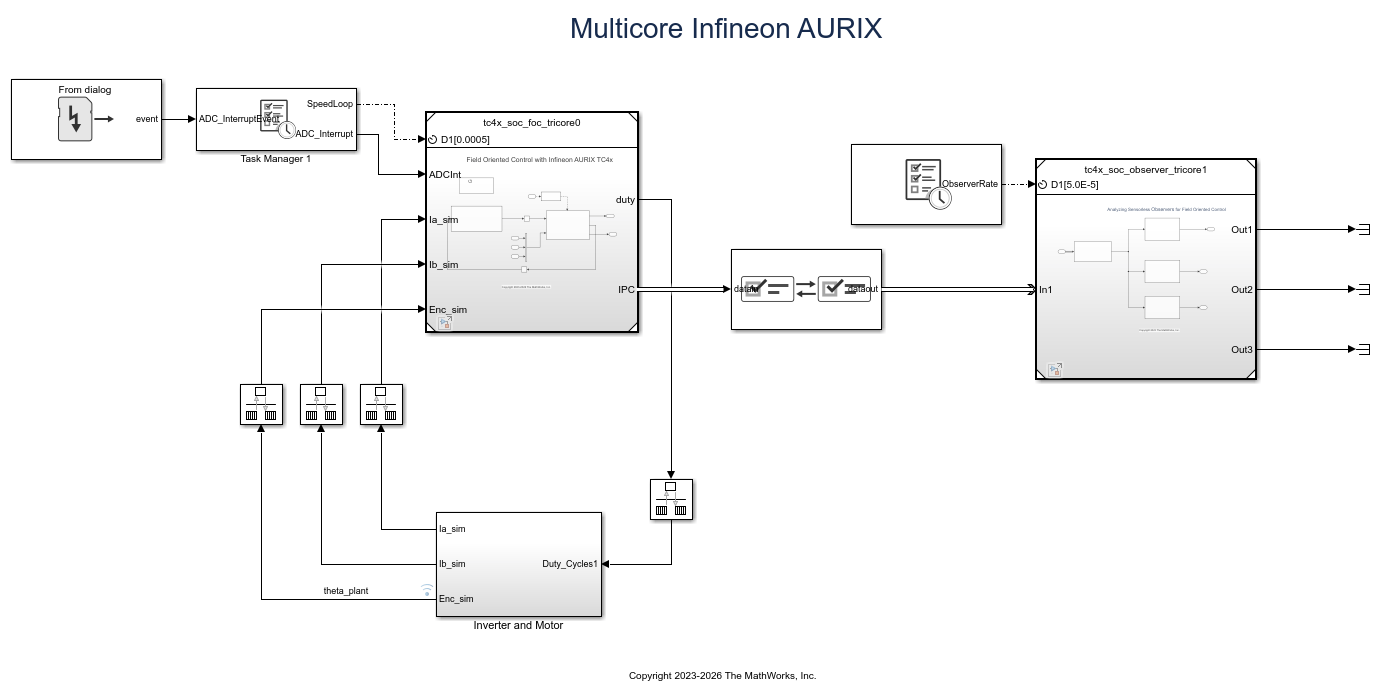
Analyze Sensorless Observers for Field-Oriented Control Using Multiple Cores of Infineon AURIX
Use Embedded Coder® Support Package for Infineon® AURIX™ Microcontrollers for sensorless field-oriented control using multiple cores of an Infineon AURIX microcontroller board. This example uses a top-level model and two referenced models. You use the TriCore0 referenced model to implement a sensor-based field-oriented control (FOC) technique to control the speed of a permanent magnet synchronous motor (PMSM). You use the TriCore1 referenced model to implement and analyze different sensorless algorithms, such as the algorithms implemented in the Flux Observer (Motor Control Blockset), Sliding Mode Observer (Motor Control Blockset), and Extended EMF Observer (Motor Control Blockset) blocks.
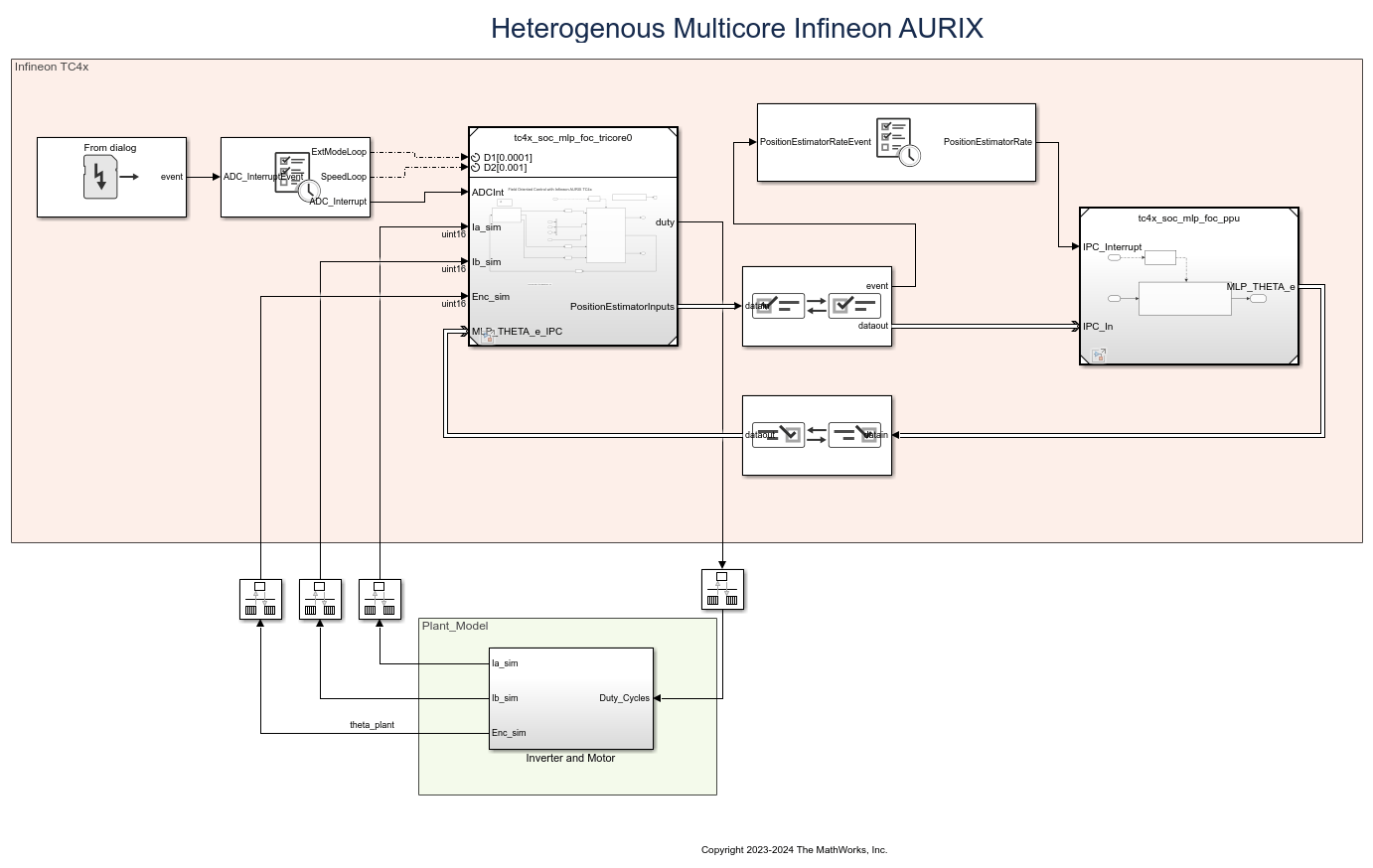
Accelerate AI Based Software Development on Infineon AURIX TC4x Microcontroller
Implement AI based motor control functions using the Model-Based Design approach by deploying a multi-layer perceptron (MLP) neural network on the Infineon® AURIX™ TC4x microcontrollers.
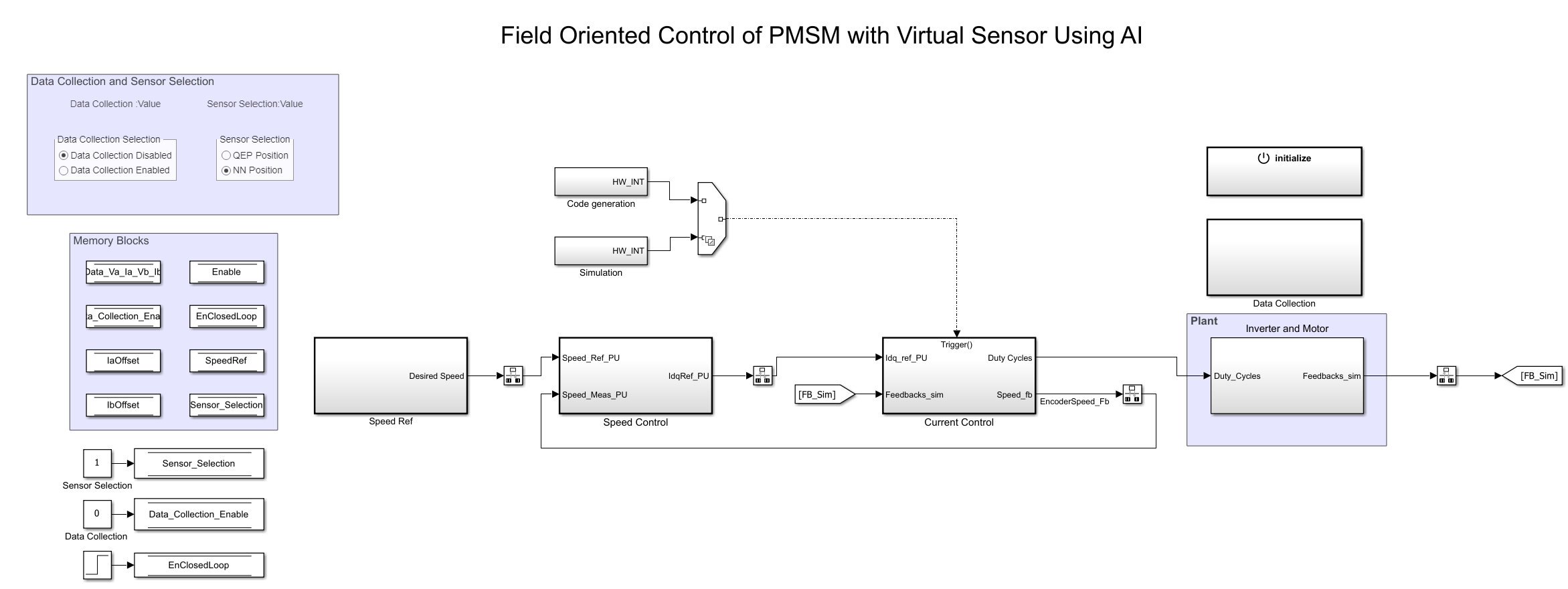
Neural Network Based Position Estimation for Field-Oriented Control of PMSM on Infineon AURIX TC4x Microcontrollers
Implement field-oriented control (FOC) of a permanent magnet synchronous motor (PMSM) using a rotor position estimated by an autoregressive neural network (ARNN) trained with Deep Learning Toolbox™.
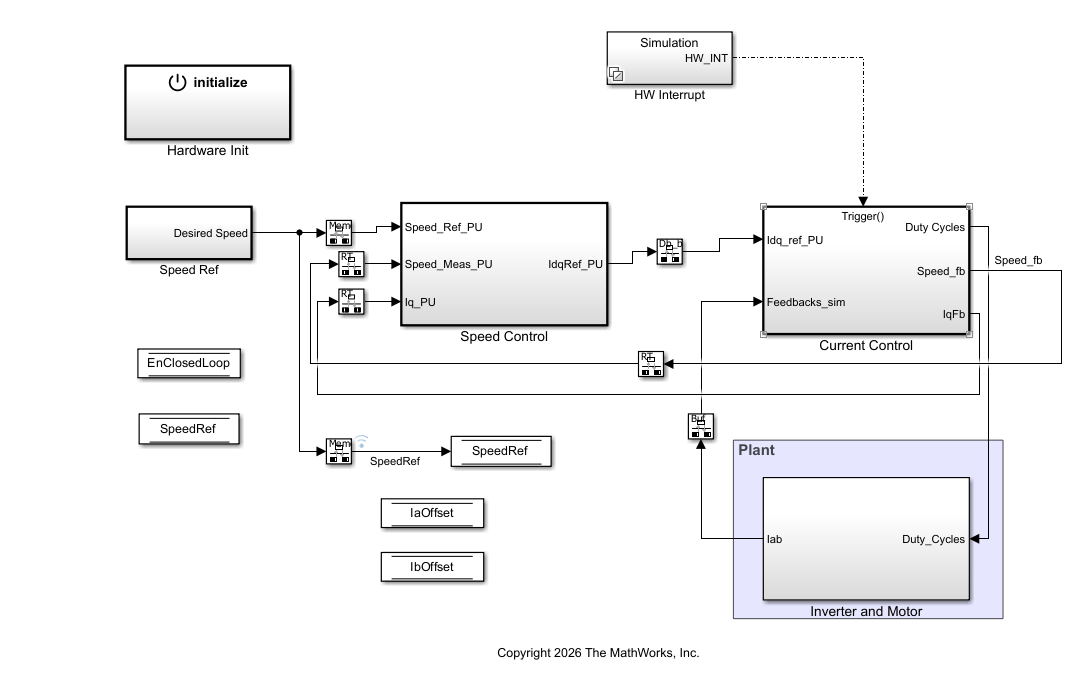
Sensorless Field-Oriented Control of PMSM on Infineon AURIX Microcontrollers
Implement sensorless field-oriented control (FOC) of a permanent magnet synchronous motor (PMSM) using Embedded Coder® Support Package for Infineon® AURIX™ TC4x Microcontrollers.

