Comunicazione del driver dello strumento
R2026aÈ necessario creare un oggetto interfaccia, ad esempio gpib o i2c, per comunicare con gli strumenti, come descritto in molte sezioni della documentazione. È inoltre possibile creare un oggetto dispositivo che consente di configurare e interrogare uno strumento senza conoscerne il set di comandi. Per ulteriori informazioni sull'utilizzo degli oggetti dispositivo, consultare Creating and Connecting Device Objects.
Funzioni
Argomenti
- Creating and Connecting Device Objects
Includes the general procedure for the creation and use of device objects.
- Communicating with Instruments
Configuring and exchanging data through device objects.
- Device Groups
Obtaining and using group device properties.
- Device Objects
Device objects allow you to configure and query an instrument without knowledge of its command set. The low-level communication is performed through a MATLAB® instrument driver.
Esempi in primo piano
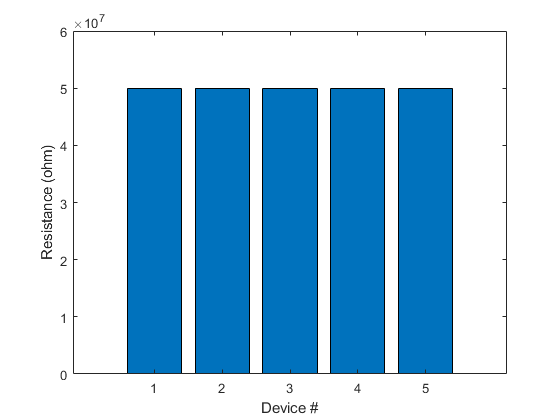
Measure Resistance with an NI Switch Module and DMM
Use an NI switch module with an NI digital multimeter to measure resistance.
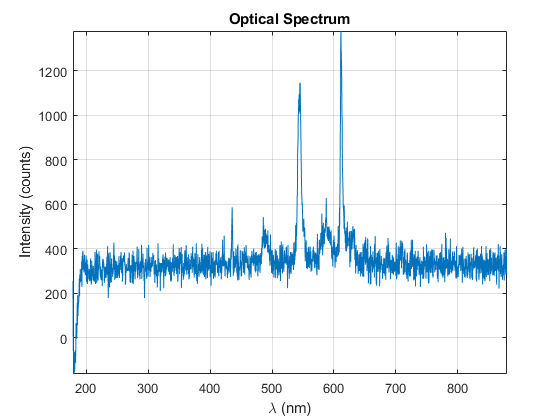
Fetch Spectrum Through Ocean Optics Spectrometer Using MATLAB Instrument Driver
Acquire the spectrum of a fluorescent light source from an Ocean Optics Spectrometer.

