Inter-Integrated Circuit
R2026bInter-Integrated Circuit (I2C) is a chip-to-chip interface supporting two-wire communication. You can connect to I2C peripheral devices and read from and write to them. Using the I2C communication protocol, your Raspberry Pi hardware can communicate with microcontrollers and peripherals such as sensors and displays.
Blocks
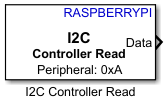 | I2C Controller Read | Read data from I2C peripheral device or I2C peripheral device register |
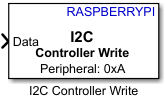 | I2C Controller Write | Write data to I2C peripheral device or I2C peripheral device register |
Objects
i2cdev | Connection to device on Raspberry Pi hardware |
Functions
scanI2CBus | Scan I2C bus device addresses |
read | Read data from I2C device |
write | Write data to I2C device |
readRegister | Read from register on I2C device |
writeRegister | Write to register on I2C device |
Apps
| Raspberry Pi Resource Monitor App | Monitor and manage Raspberry Pi resources |
Topics
- Use the Raspberry Pi I2C Interface to Connect to a Device
Use the I2C interface on the Raspberry Pi hardware.
- Raspberry Pi I2C Interface
I2C interface on the Raspberry Pi hardware.
- Support I2C Communication
Support I2C communication.
- Enable I2C Interface on Raspberry Pi Hardware Kernel
Enable I2C interface on Raspberry Pi hardware kernel using Linux® terminal.
- Enable Secondary I2C Bus of Raspberry Pi Hardware
Use the instructions in this section to enable the secondary I2C bus interface on your Raspberry Pi hardware board.
- Asynchronous Serial Communication
Asynchronous serial communication.
Featured Examples
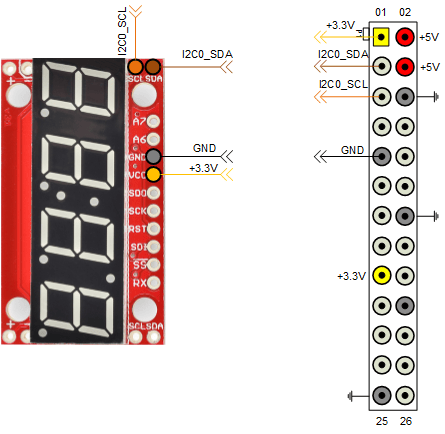
Control Four-Digit Seven-Segment Display Using I2C
Use the I2C peripheral on Raspberry Pi® hardware to control a four-digit seven-segment display.
Build a Digital Voltmeter
Build a digital voltmeter using Raspberry Pi® Blockset.
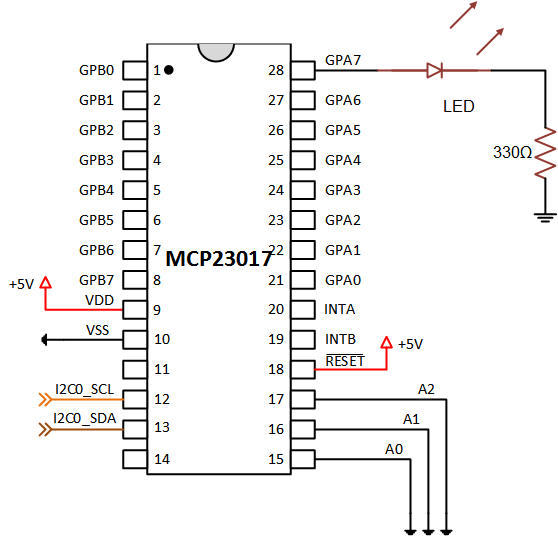
Add Digital I/O Pins to Raspberry Pi Hardware Using MCP23017
Increase the number of digital I/O pins by connecting an MCP23017 I/O expander chip to the Raspberry Pi® hardware.
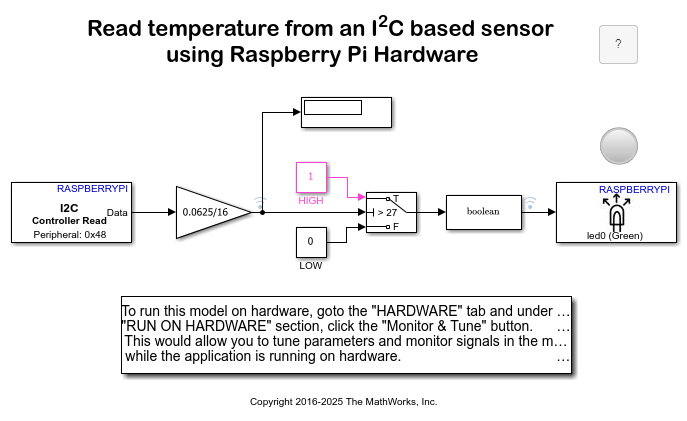
Read Temperature from TMP102 Sensor Using Raspberry Pi
Illustrates how to use Raspberry Pi® Blockset to configure and read temperature from a TMP102 sensor.

