Block Processing
R2026bRepeat user-specified operation on blocks of input matrix
Block Processing block

To add a block to a model, double-click the canvas and start typing the block name. Then, select the block from the list.
Libraries:
Computer Vision Toolbox /
Utilities
Description
The Block Processing block extracts submatrices, or blocks , from an input matrix, passes each block to a subsystem that performs a user-specified operation. It then reassembles the processed blocks to form the output matrix. You can use this block to process an image block-wise, rather than processing the entire image at once. Matrix block processing proceeds from input matrix to extracted blocks, then the subsystem, and then recombines the processed blocks into an output matrix.

Examples
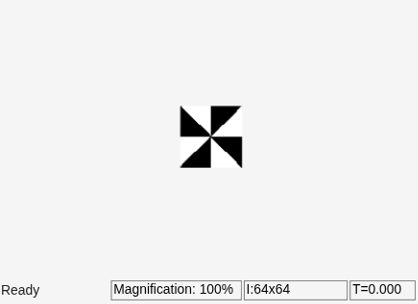
Transpose Blocks of Image Using Block Processing
Transpose blocks of an image using block processing.
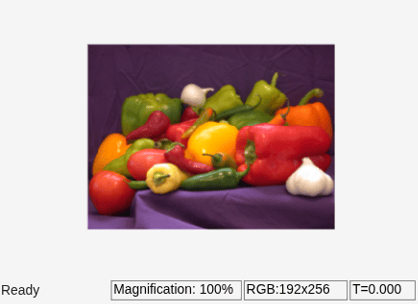
Resize RGB Image Using Block Processing
Resize an RGB image using block processing.
Ports
Input
Output
Parameters
Block Characteristics
Programmatic Use: Add Block
To add the block programmatically, use the add_block function with one of these library block paths as the source.
"visionutilities/Block Processing"
Example: add_block("visionutilities/Block Processing","myModel/myBlock",MakeNameUnique="on")
Extended Capabilities
Version History
Introduced before R2006a

