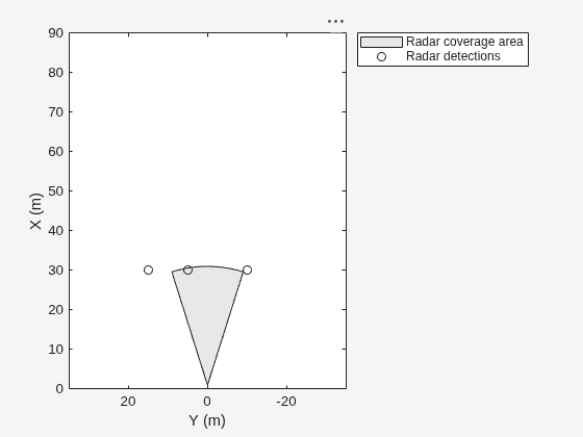
p = findPlotter(bep)
returns an array of plotters associated with a bird’s-eye plot.
p = findPlotter(bep,Name,Value)
specifies options using one or more Name,Value pair
arguments. For example, findPlotter(bep,'Tag','Plotter1')
returns the plotter object whose Tag property value is
'Plotter1'.
Create a bird's-eye plot with an x-axis range of 0 to 90 meters and a y-axis range from –35 to 35 meters. Configure the plot to include a radar coverage area plotter and a detection plotter. Set the display names of these plotters.
bep = birdsEyePlot('XLim',[0 90],'YLim',[-35 35]);
coverageAreaPlotter(bep,'DisplayName','Radar coverage area');
detectionPlotter(bep,'DisplayName','Radar detections');
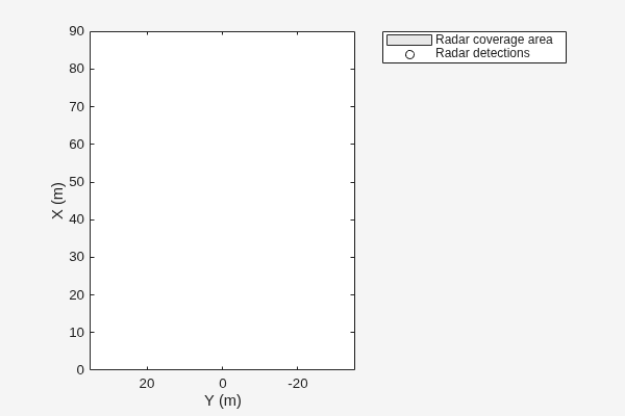
Use findPlotter to locate the plotters by their display names.
Specify optional pairs of arguments as
Name1=Value1,...,NameN=ValueN, where Name is
the argument name and Value is the corresponding value.
Name-value arguments must appear after other arguments, but the order of the
pairs does not matter.
Before R2021a, use commas to separate each name and value, and encloseNamein quotes.
Example: 'DisplayName','MyBirdsEyePlots'
Display name of the plotter to find, specified as the comma-separated
pair consisting of 'DisplayName' and a character
vector or string scalar. DisplayName is the plotter
name that appears in the legend of the bird's-eye plot. To match missing
legend entries, specify DisplayName as
''.
Tag of plotter to find, specified as the comma-separated pair
consisting of 'Tag' and a character vector or
string scalar. By default, plotter objects have a
Tag property with a default value of
'PlotterN'.
N is an integer that corresponds to the
Nth plotter associated with the specified
birdsEyePlot object,
bep.
You clicked a link that corresponds to this MATLAB command:
Run the command by entering it in the MATLAB Command Window.
Web browsers do not support MATLAB commands.
Seleziona un sito web
Seleziona un sito web per visualizzare contenuto tradotto dove disponibile e vedere eventi e offerte locali. In base alla tua area geografica, ti consigliamo di selezionare: .
Puoi anche selezionare un sito web dal seguente elenco:
Come ottenere le migliori prestazioni del sito
Per ottenere le migliori prestazioni del sito, seleziona il sito cinese (in cinese o in inglese). I siti MathWorks per gli altri paesi non sono ottimizzati per essere visitati dalla tua area geografica.