Code Comments
R2026bTo improve the readability and traceability of the generated code, you can specify certain model configuration parameters to insert comments in the generated code. The code generator then includes text for model parameters, block names, signal names, states, functions, and Stateflow object names in the generated code comments. To trace the generated code to the element in the Simulink® model, click the hyperlinks in the comments.
Topics
- Configure Code Comments
Configure how code generator inserts comments into generated code.
- Add Custom Comments for Variables in the Generated Code
Add selected data object property values as a comment in the general code above that data object identifier.
- Add Global Comments in the Generated Code
Add global comments to a Simulink model so that the comment text appears where you specify in the generated files.
- Generate Custom Comments from Block Annotations
Add comments to the generated code from annotations connected to blocks.
- Annotate Code for Justifying Polyspace Checks
This example shows how Embedded Coder® uses operator annotations in the generated code to justify specific arithmetic operations and suppress Polyspace findings during static code analysis.
- Include MATLAB Code as Comments in Generated Code
Correlate code generated for a MATLAB Function block with MATLAB® source code.
Featured Examples
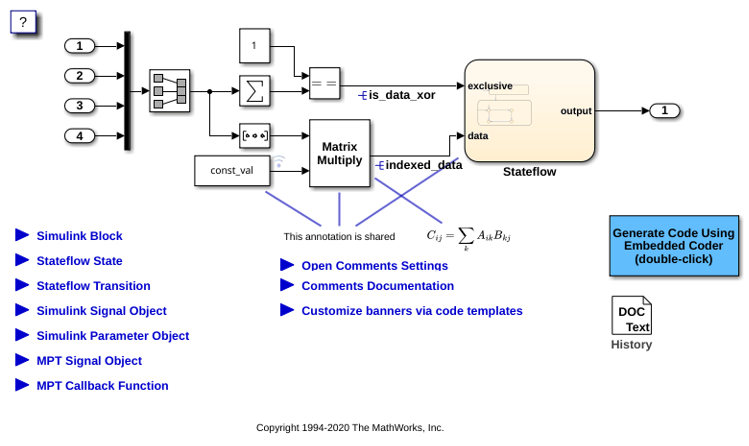
Customize Code Comments to Enhance Readability and Traceability
Customize code comments to enhance readability.

