Spectral Image Labeler
R2026bDescription
Add-On Required: This feature requires the Hyperspectral Imaging Library for Image Processing Toolbox add-on.
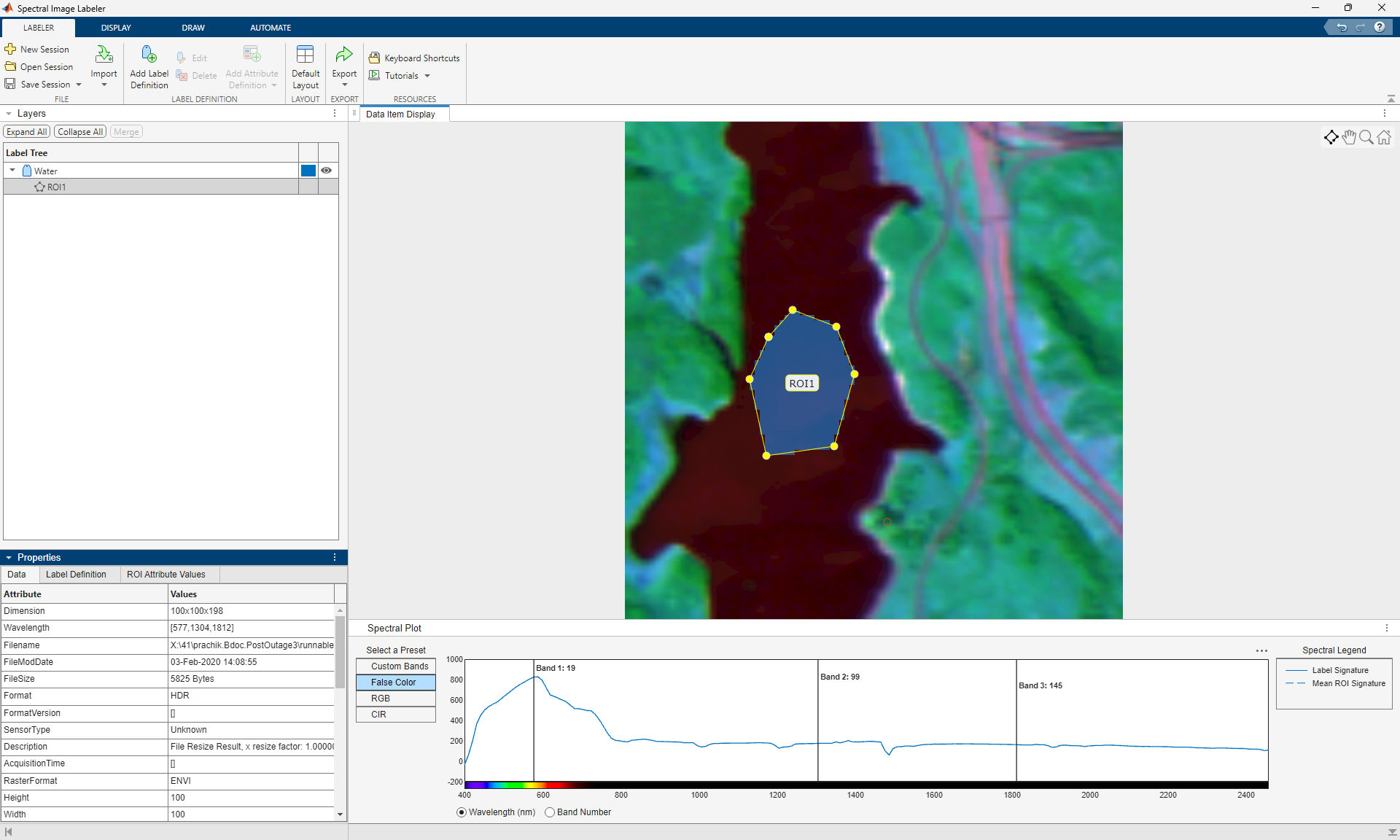
The Spectral Image Labeler app enables you to label ground truth data in hyperspectral and multispectral images for applications such as pixel classification and semantic segmentation. Using the app, you can:
Load images stored in files or from the workspace.
Choose false color, RGB, CIR, or custom views of spectral images for ease of labeling.
Create multiple label definitions to label regions of interest (ROIs). Label ROIs using built-in automatic and manual techniques.
Write, import, and use your own custom automation algorithm to automatically label ground truth data.
Export the labeled ground truth data as a
groundTruthSpectralImageobject. You can use this object to share labels with colleagues or to store ground truth labels for pixel classification or semantic segmentation.
To learn more about this app, see Get Started with Spectral Image Labeler.
Note
The Hyperspectral Imaging Library for Image Processing Toolbox™ requires desktop MATLAB®, as MATLAB Online™ and MATLAB Mobile™ do not support the library.
Open the Spectral Image Labeler App
MATLAB Toolstrip: On the Apps tab, under Image Processing and Computer Vision, click the Spectral Image Labeler app icon.
MATLAB command prompt: Enter
spectralImageLabeler. For more information, see Programmatic Use.
Examples
Programmatic Use
Version History
Introduced in R2026a

