Signal Monitoring and Parameter Tuning
R2026bMonitor signals and tune parameters on STM32 hardware by using external-mode communication between the host and the target. Deploy your Simulink® model as generated C code and stream signal data in real time while adjusting parameters without regenerating code.
You can also generate optimized, interrupt-driven code for STM32 processors and use Embedded Coder® to perform real-time monitoring, parameter tuning, and Processor-in-the-Loop (PIL) testing.
Topics
- Serial Configuration for Monitor & Tune and PIL for STM32 Processor-Based Boards
Configure serial communication for External mode and PIL on an STM32 processor.
- SoC Blockset for AMD Task Profiling
Measure tasks on the STM processor using the SoC Blockset™ for AMD profiler.
- Use SoC Blockset for AMD Pass-Through Block Simulation
Add simulation capability to STM32 blocks using the SoC Blockset for AMD pass-through block.
- STM32CubeMX Based PIL Execution at the Command Line Using MATLAB Coder
Run Processor-in-the-Loop (PIL) verification on an STM32 processor using MATLAB Coder and STM32CubeMX at the command line.
- STMCubeMX Based PIL Execution Using the MATLAB Coder App
Run Processor-in-the-Loop (PIL) verification using the MATLAB Coder app on an STM32 processor.
- STM32CubeMX Configuration for Voltage Mode Control
Configure STM32CubeMX peripheral settings for voltage-mode motor control on an STM32 processor.
- Generate IDE Projects from Simulink Models for STM32
Create STM32 IDE projects from Simulink models for STM32™ Microcontroller Blockset.
- Debug Simulink Generated Code using STM32CubeIDE
Deploy and Debug Simulink Code on STM32 hardware with STM32CubeIDE.
Featured Examples
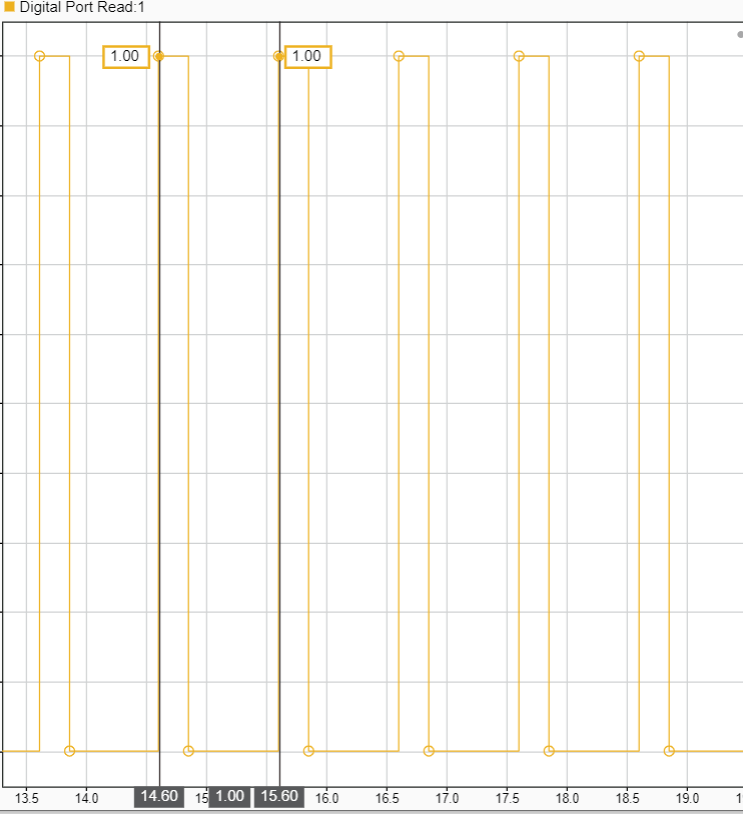
Signal Monitoring and Parameter Tuning of Generated PWM Output
Generate PWM signals on an STM32 processor-based board and tune parameters in real time using External mode.
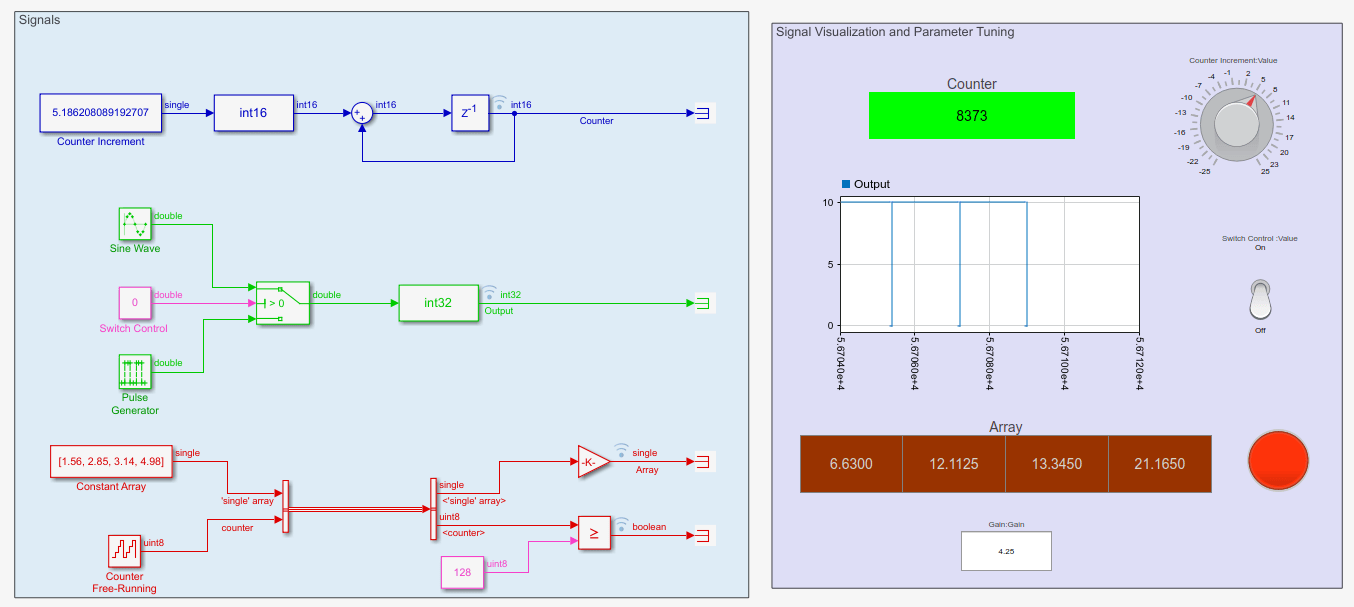
Signal Monitoring and Parameter Tuning over XCP-based CAN Interface Using STM32 Processors
Monitor signals and tune parameters of a Simulink® model on STMicroelectronics® STM32 processor based board using XCP-based CAN Interface.
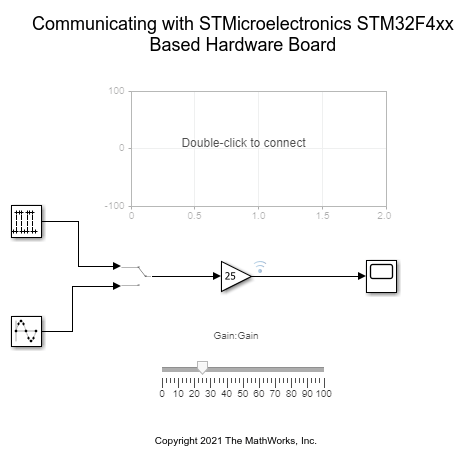
Monitoring and Tuning Using STMicroelectronics STM32 Processor Based Boards
Use STM32™ Microcontroller Blockset for Monitoring and Tuning simulations using STM32 processor based boards.
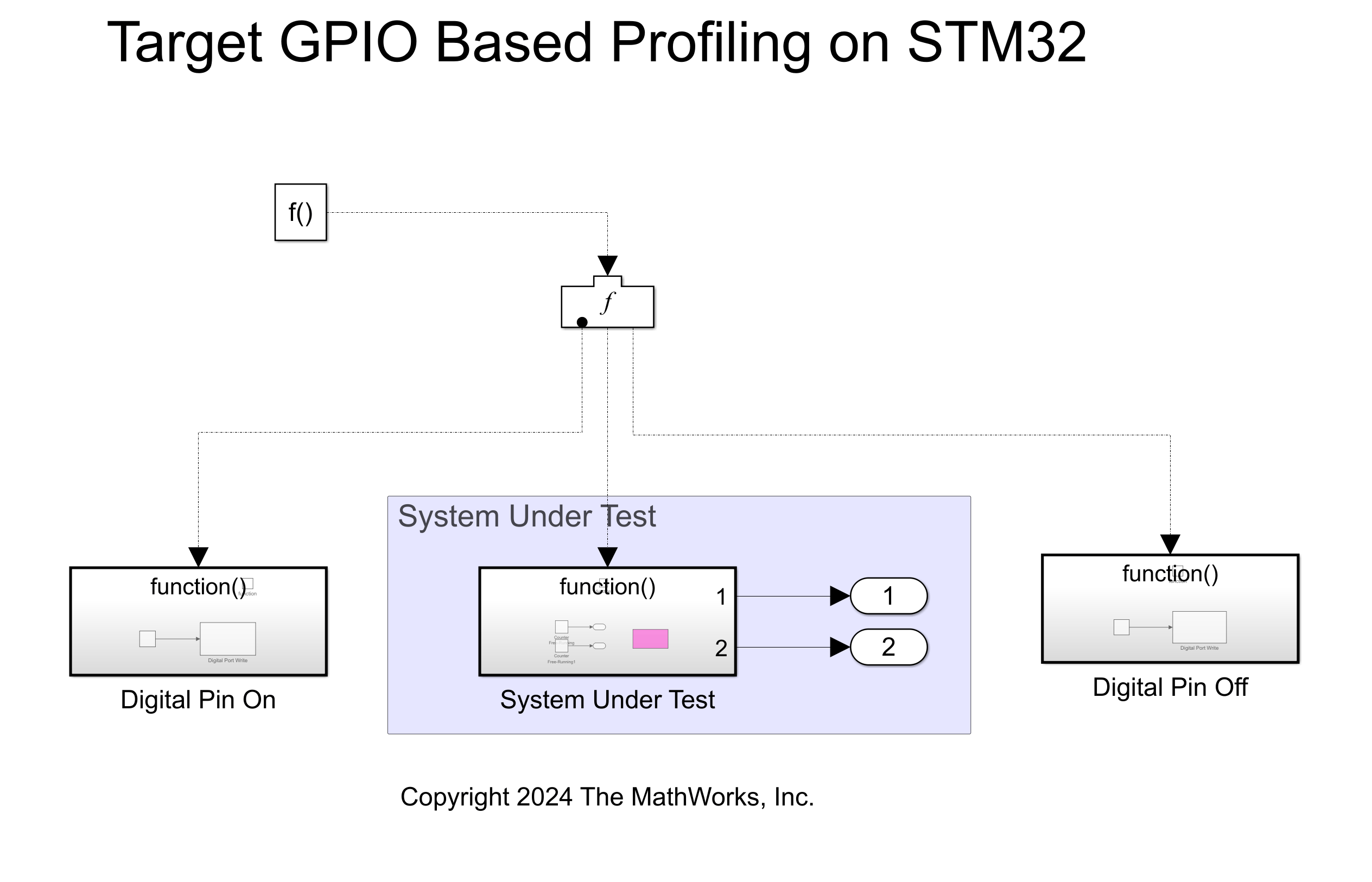
Getting Started with Hardware Profiling
Measure real time execution performance of algorithms on STM32 processors.
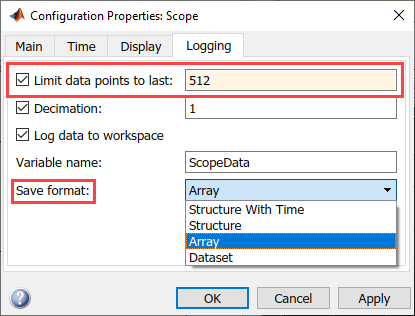
MAT File Logging on SD Card for STMicroelectronics STM32 Processors
Perform MAT-file logging using Simulink model on a Micro SD card mounted on an STMicroelectronics STM32 Discovery board.
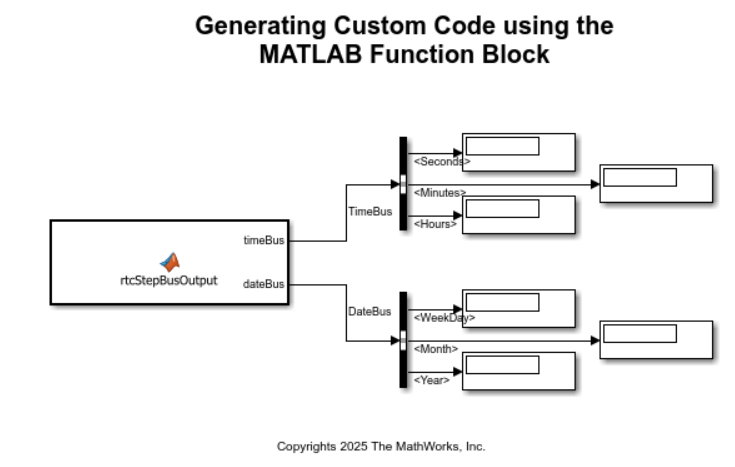
Custom Code Integration for STM32 Processors
Integrate custom C code into a Simulink® model by implementing a real-time clock (RTC) peripheral on STM32 processor based boards. The example shows how to call external driver code, exchange data between Simulink and the hardware, and compare different integration methods.
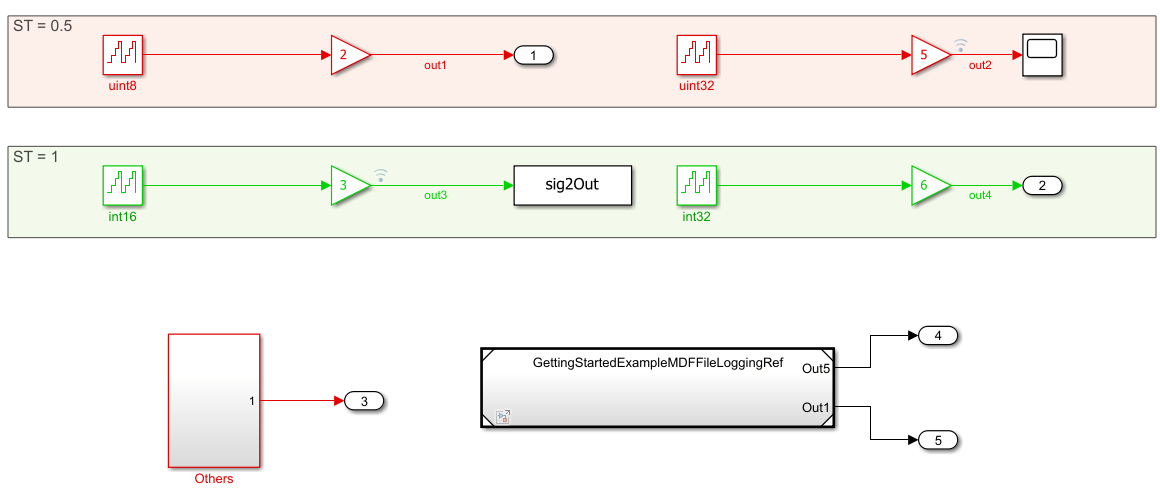
MDF File Logging on SD Card for STMicroelectronics STM32 Processors
Perform MDF-file logging using Simulink® model on a Micro SD card mounted on an STMicroelectronics® STM32 processor based board. Generate code that logs signals and outputs to an ASAM Measurement Data Format (MDF) file.

