bring_figure_front()
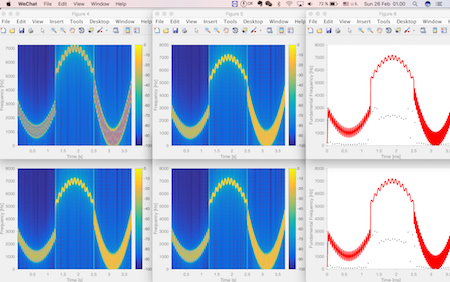
This small program will put all of your matlab figures sequentially and orderly in your screen.

Al momento, stai seguendo questo contributo
- Vedrai gli aggiornamenti nel tuo feed del contenuto seguito
- Potresti ricevere delle email a seconda delle tue preferenze per le comunicazioni
Cita come
Liming Shi (2026). bring_figure_front() (https://it.mathworks.com/matlabcentral/fileexchange/61404-bring_figure_front), MATLAB Central File Exchange. Recuperato .
Riconoscimenti
Ispirato da: "Smart"/Silent Figure
Informazioni generali
- Versione (2,16 KB)
Compatibilità della release di MATLAB
- Compatibile con qualsiasi release
Compatibilità della piattaforma
- Windows
- macOS
- Linux
| Versione | Pubblicato | Note della release | Action |
|---|---|---|---|
| 1.0.0 | We use a matlab built-in function findobj to find all the figure handles (Thank Avery Berman for pointing out this better solution). Moreover, we use a sfigure function written by Daniel Eaton to avoid the annoying jumping behaviors of the figures. |

