Interfacce di servizio C
R2026aDa R2022b
Quando si genera codice da un modello dei componenti che utilizza una configurazione dell'interfaccia del codice di servizio C, è necessario mappare gli elementi dati del modello alle interfacce di servizio. Un'interfaccia di servizio specifica le informazioni relative al prototipo della funzione e il metodo di comunicazione dei dati (accesso diretto, al di fuori dell'esecuzione o durante l'esecuzione) per il codice generato, in base a quanto richiesto dai servizi della piattaforma di destinazione. Il generatore di codice applica vincoli durante la produzione del codice dell'interfaccia di servizio, in modo da facilitare l'integrazione del codice per l'utilizzo in un ambiente di destinazione specifico. L'elenco delle interfacce di servizio disponibili per la mappatura è determinato dalle interfacce definite nel dizionario condiviso Embedded Coder associato al modello. Se le interfacce di servizio predefinite del dizionario sono in linea con i requisiti di servizio della piattaforma di destinazione, non è necessario apportare modifiche alla mappatura ed è possibile passare direttamente alla generazione e alla revisione del codice dell'interfaccia del componente.
Strumenti
| Code Mappings Editor – Service Interface | Associate model elements with code interface definitions |
Oggetti
coder.mapping.api.CodeMapping | Model data and function interface configuration for C code generation |
Funzioni
Argomenti
Nozioni di base sulla configurazione
- Service Interface Configuration for Model Interface Elements
Control the representation of model data elements and functions in generated C code by using a service code interface configuration. - Code Definition and Mapping Limitations and Considerations
Restrictions, constraints, and considerations that apply to code definitions and code mappings. - Manage Multiple Code Mappings for a Model
Design models that are platform-neutral and ready to deploy to different run-time environments. - How Generated Code Exchanges Data with an Environment
The generated code exchanges signal, state, and parameter data with the calling environment through a data interface. - Compare Code Mappings of Simulink Models
Compare the mappings of models using the Simulink Comparison Tool.
Configurazione delle funzioni chiamabili
- Periodic and Aperiodic Function Interfaces
Generate callable entry-point functions for the algorithm represented by a top model. - Startup, Reset, and Shutdown Function Interfaces
Generate callable entry-point functions for startup, reset, and shutdown processing represented by a model.
Configurazione dell'interfaccia di servizio
- Service Interfaces
Generate C service interface code for components that interact with target environment resources. - Configure Sender and Receiver Service Interfaces for Model Inports and Outports
Configure sender and receiver service interfaces for model Inports and Outports. - Configure Data Transfer Service Interfaces for Data Transfer Signals
Configure data transfer service interfaces for signals representing data transfers between functions. - Configure Parameter and Parameter Argument Tuning Service Interfaces for Model Parameters and Model Parameter Arguments
Configure parameter and parameter argument tuning service interfaces for model parameters and model parameter arguments. - Configure Measurement Service Interfaces for Signals, States, and Data Stores
Configure measurement services for signals, states, and data stores. - Configure Measurement Service Interface for Persistent Data for States and Data Stores
Configure measurement services for states and data stores that use persistent data. (Da R2025a) - Configure Timer Service Interfaces
Configure timer services for export functions.
Accesso ai dati e inizializzazione
- Reuse Parameter Data in Different Data Type Contexts
Reuse parameter data by creating aSimulink.Parameterobject or numeric MATLAB® variable that you can use in different data type contexts. - Limitations for Block Parameter Tunability in Generated Code
Limitations can prevent a block parameter from appearing in the generated code as tunable, which means you cannot interact with the parameter value after compiling the code. - Access Signal, State, and Parameter Data During Execution
As you iteratively develop a model, capture output signal and state data that model execution generates. Tune parameter values during execution to observe results on the outputs. - Switch Between Sets of Parameter Values During Simulation and Code Execution
Switch between independent sets of values for the same block parameters by storing the sets in an array of structures. - Configure Packaging of Parameter Arguments in Generated Code
Customize the implementation of parameter arguments in generated code. - Control Signal and State Initialization in Generated Code
Generate code that enables you to store tunable initial conditions in memory, for example, for modeling a system that shuts down and restarts. - Initialization of Signal, State, and Parameter Data in Generated Code
To match the numerics of a simulation in Simulink®, the generated code assigns initial values to global data, especially for block states and parameters. - Compile Code Conditionally for All Values of Variant Parameters with Same and Different Dimensions
This example shows how to generate a C code that contains all the active and inactive values of variant parameters.
Informazioni complementari
Esempi in primo piano
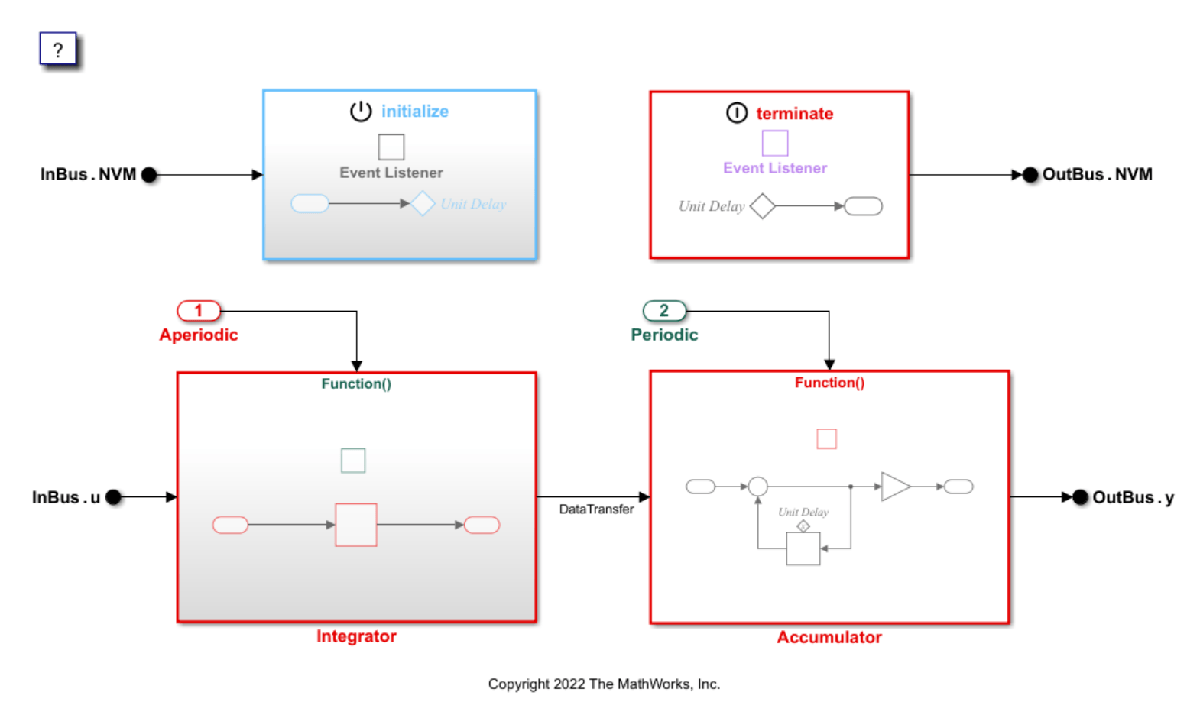
Generate Sender and Receiver C Interface Code for Component Deployment
Generate sender and receiver service functions to send and receive data to and from the target environment by using environment-specific data communication methods. Use data communication methods that match the needs of the target environment. For more information about data communication methods, see Data Communication Methods.
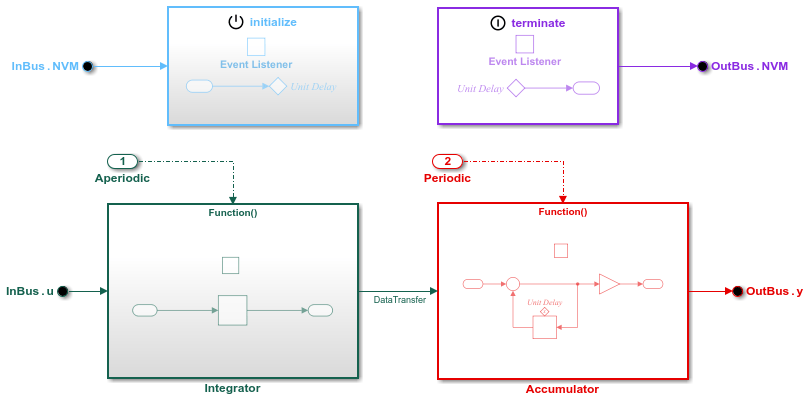
Generate C Data Transfer Service Interface Code for Component Deployment
Generate calls to target platform data transfer service functions to exchange data between callable entry-point functions generated from a component model.
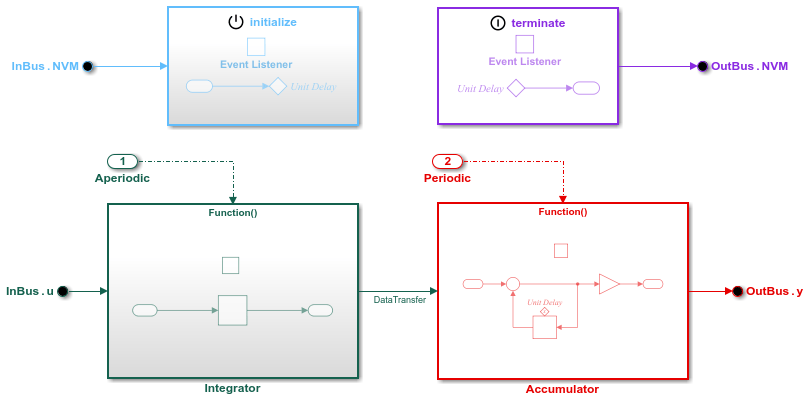
Generate C Timer Service Interface Code for Component Deployment
Generate calls to target platform timer service functions to get the value of the target environment function clock tick.
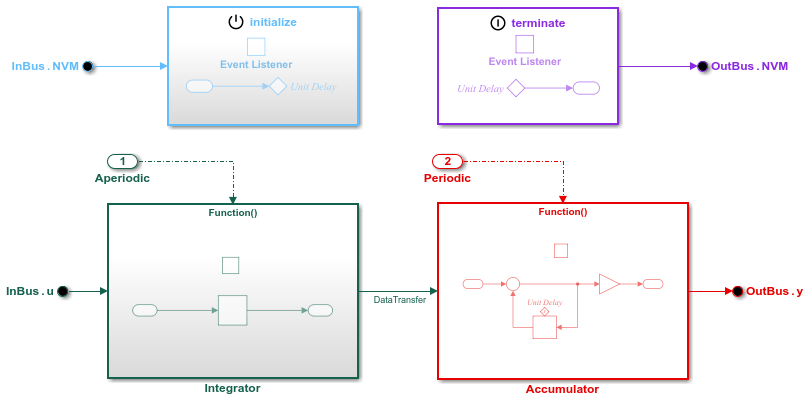
Generate C Parameter Tuning Service Interface Code for Component Deployment
Configure a target platform parameter tuning service to change parameter values while generated function code executes.
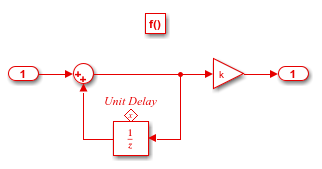
Generate C Measurement Service Interface Code for Component Deployment
Configure a target platform measurement service to monitor signal, state, and data store values while generated function code executes.
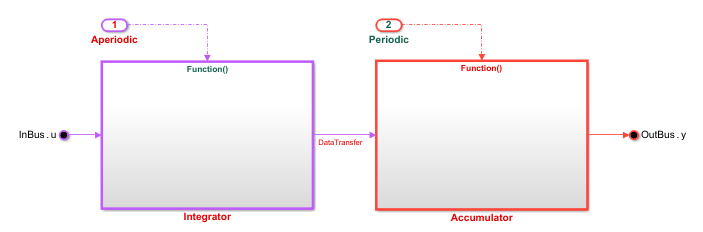
Generate C Interface Code for Measurement Service Using Persistent Data for Component Deployment
Configure a target platform measurement service that uses persistent data to access state and data store values while generated function code executes.

