Intelligenza artificiale (AI)
R2026aUtilizzare MATLAB® Support Package for Arduino Hardware per implementare applicazioni di intelligenza artificiale.
Esempi in primo piano
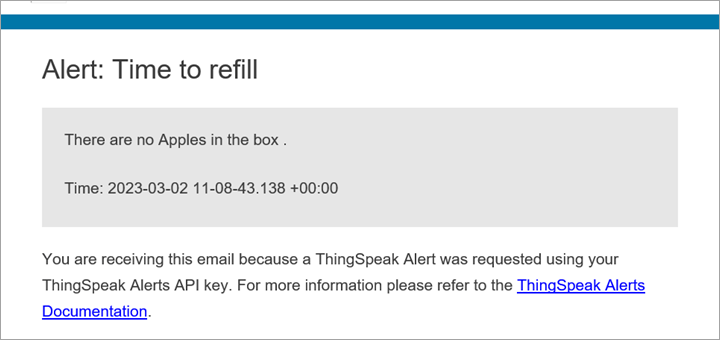
Classify and Count Fruits Using Arduino Nano 33 BLE Sense, ThingSpeak, and Machine Learning
Collect RGB values of three types of fruits using the APDS9960 sensor embedded in an Arduino® Nano 33 BLE board and use the MATLAB® Classification Learner (Statistics and Machine Learning Toolbox) app to train a machine learning model with the RGB values to classify the fruits. This example also shows how to use the ThingSpeak™ platform for tracking the number of fruits in a box and setting up an email alert if the number of any one of the three types of fruits drops to zero.
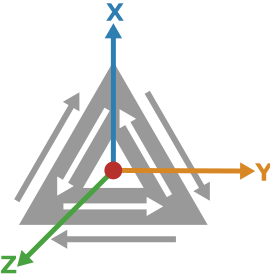
Identify Shapes Using Machine Learning on Arduino Nano 33 BLE Sense Hardware
Use MATLAB® Support Package for Arduino® Hardware to identify shapes using a machine learning algorithm. This example uses the Arduino Nano 33 BLE Sense hardware board with an onboard LSM9DS1 inertial measurement unit (IMU) sensor.
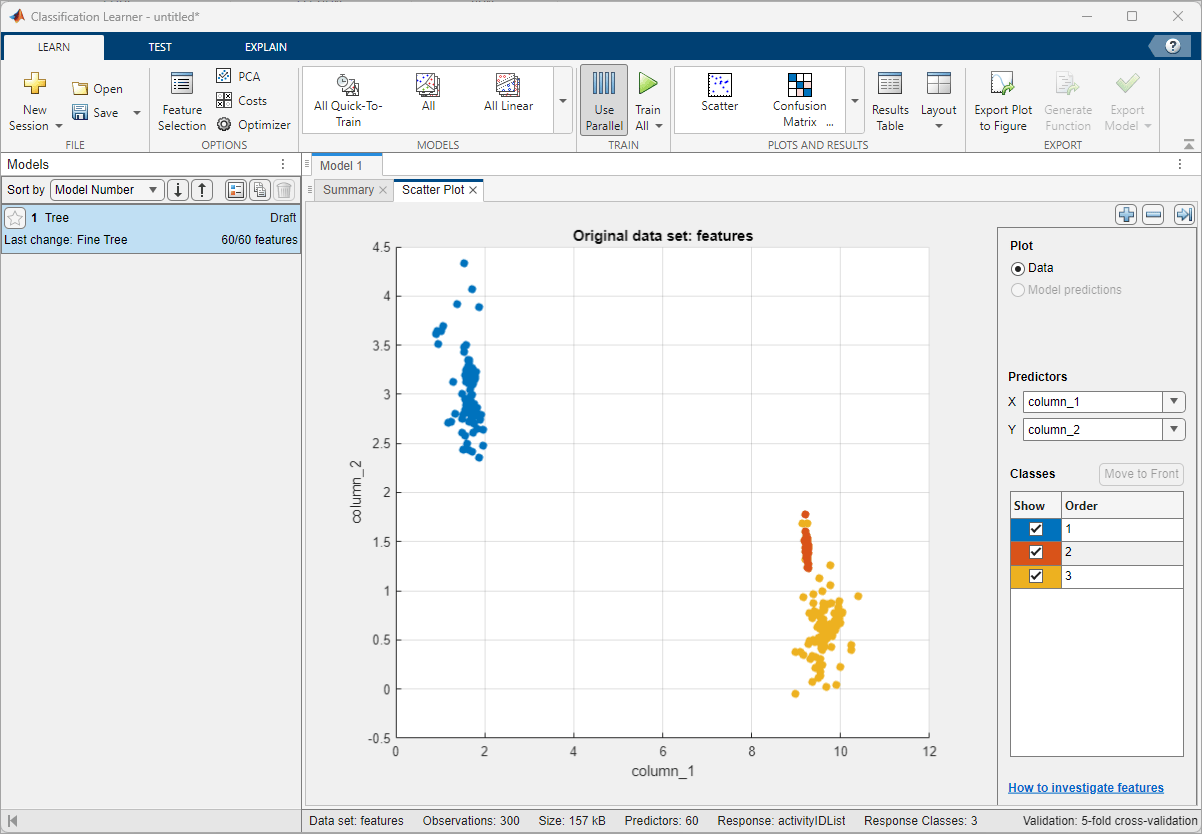
Human Activity Recognition Using ESP32 Board and LSM9DS1 IMU Sensor
Classify and predict one of three different physical human activities: Sitting, Standing and Walking based on data acquired using an ESP32 board and an lsm9ds1 sensor. This example uses Classification Learner (Statistics and Machine Learning Toolbox) app to train a machine learning model with the sensor data.
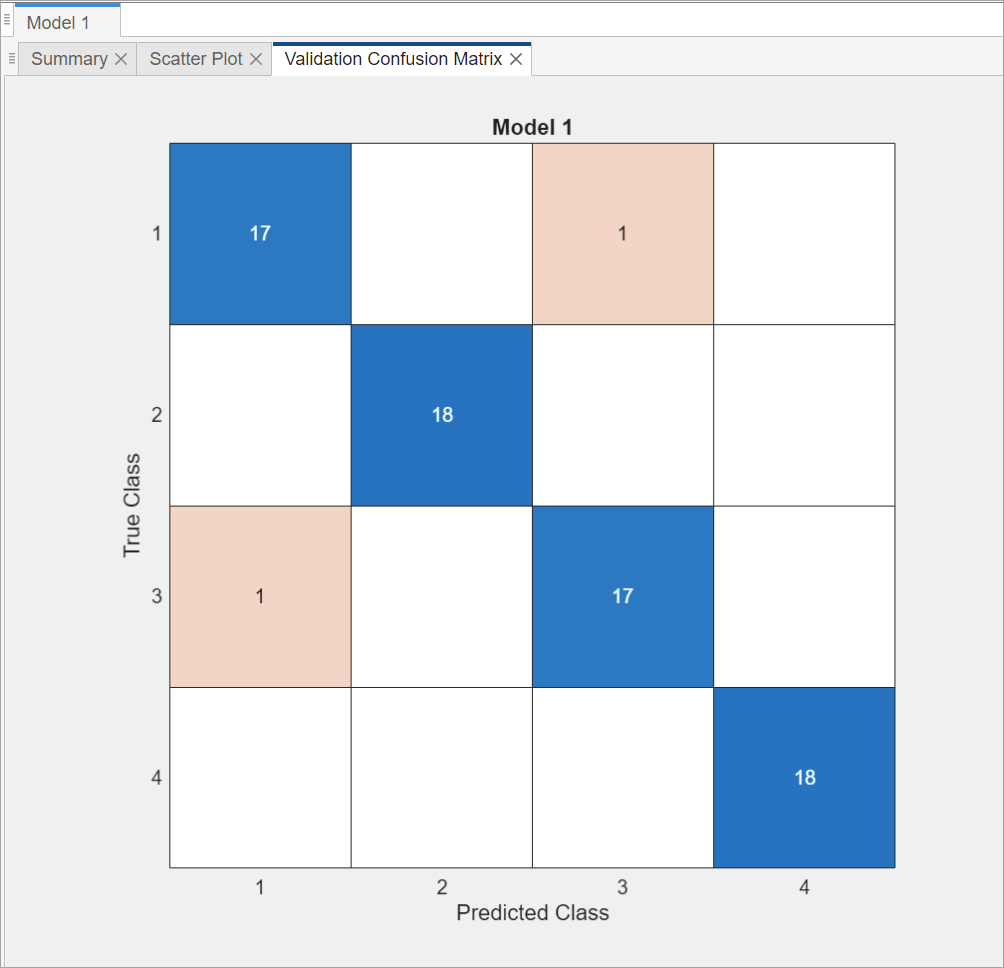
Perform Predictive Maintenance on Rotating Device Using ESP32 Board, ThingSpeak, and Machine Learning
Predict and monitor the health of a rotating device using machine learning algorithm. You can use this example for predictive maintenance of any rotating device or piece of equipment so that you can fix them before they fail.
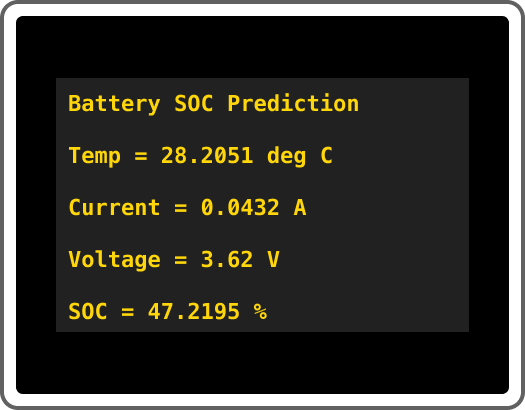
Estimate Battery State of Charge Using Deep Learning with ESP32 Board
Estimate the state of charge (SOC) of a battery using a deep learning model in MATLAB® with an ESP32-based hardware setup.

