Animate Triangle Within Circle
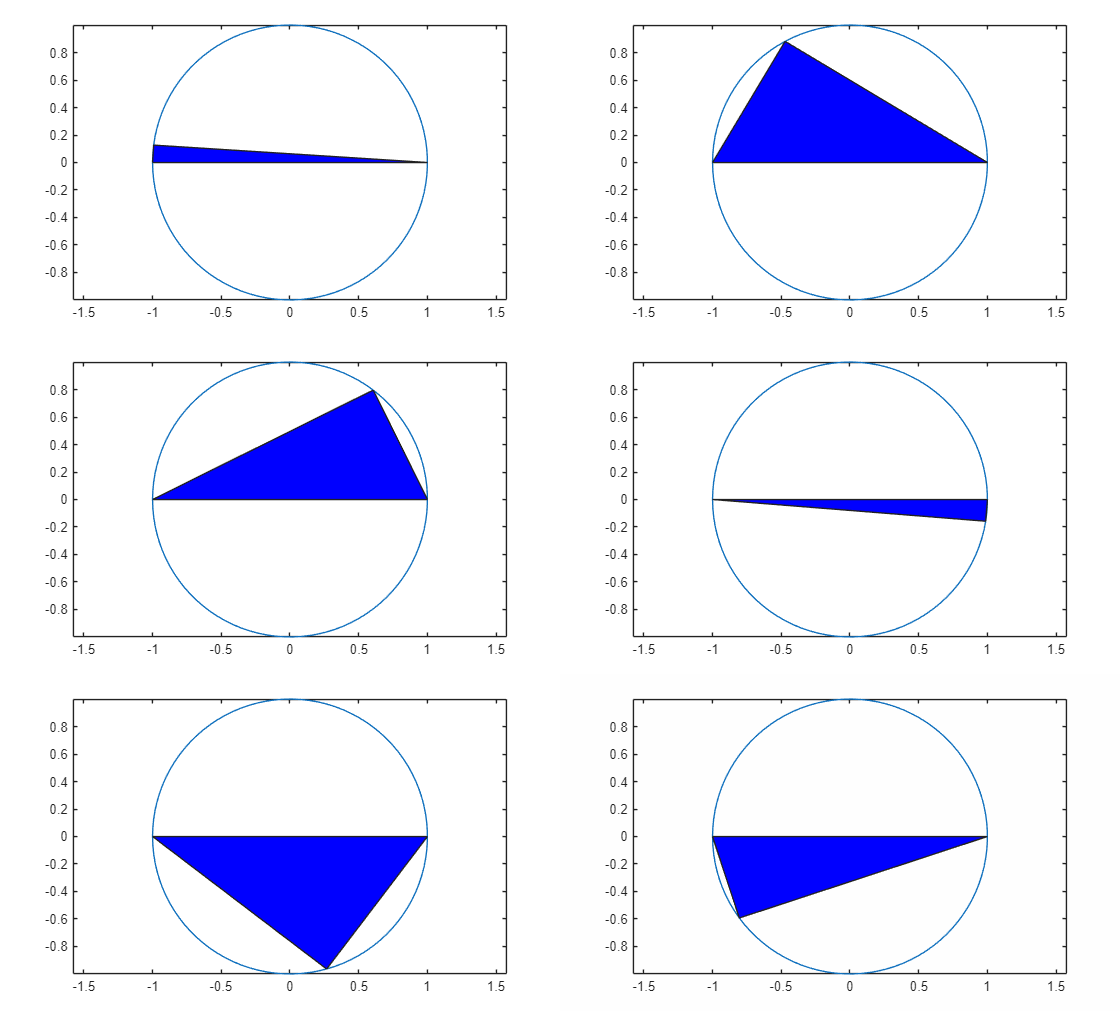
R2026bThis example shows how to animate a triangle looping around the inside of a circle by updating the data properties of the triangle.
Plot the circle and set the axis limits so that the data units are the same in both directions.
theta = linspace(-pi,pi);
xc = cos(theta);
yc = -sin(theta);
plot(xc,yc)
axis equal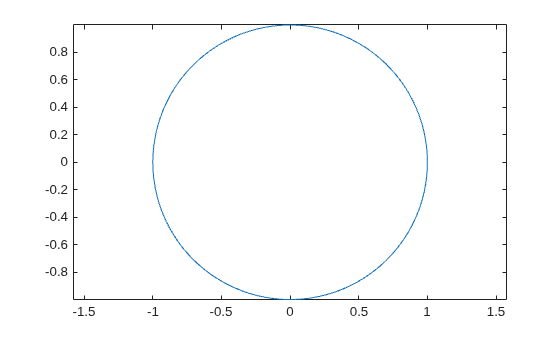
Draw a flat triangle using the fill function. Then, change the value of one of the triangle vertices using the (x, y) coordinates of the circle. Change the value in a loop to create an animation. Use a drawnow or drawnow limitrate command to display the updates after each iteration. drawnow limitrate is fastest, but it might not draw every frame on the screen.
xt = [-1 0 1 -1];
yt = [0 0 0 0];
hold on
t = fill(xt,yt,"b"); % initial flat triangle
hold off
for j = 1:length(theta)-10
    xt(2) = xc(j); % determine new vertex value
    yt(2) = yc(j);
    t.XData = xt; % update data properties
    t.YData = yt;
    drawnow % display updates
end
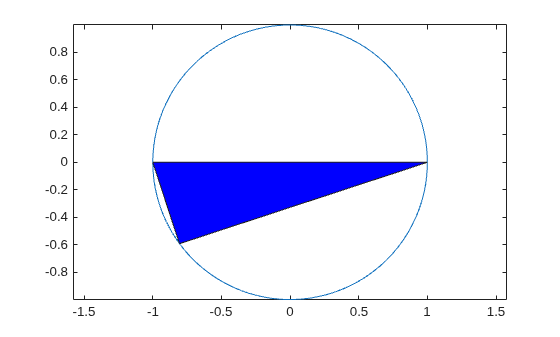
The animation shows the triangle looping around the inside of the circle.