Simulation Data Inspector - hide box around selected plot
Mostra commenti meno recenti
I like to use the Simulation Data Inspector in Simulink to display simulation results. When I take a snapshot of the entire plot area with multiple plots, the selected plot always has a (quite prominent) blue box around it. It can be seen in the image on the SDI doc page around the top plot:
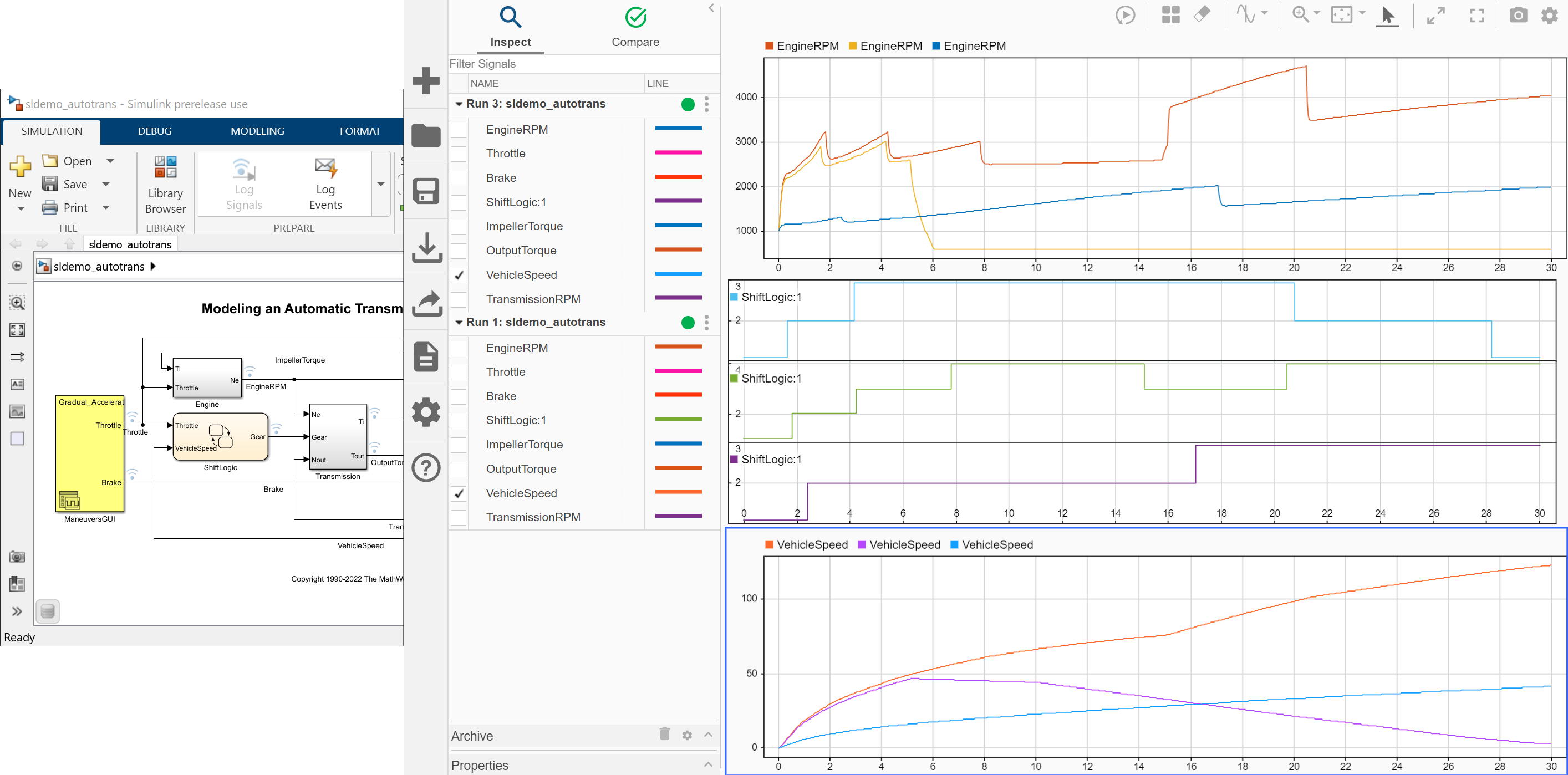
Is there a way to deselect a plot or hide the blue box, at least for snapshots?
3 Commenti

Alberto Mazzoncini
il 26 Mag 2020
Same problem for me.
How could I put in a report such snapshots....

Charbel Obeid
il 26 Ago 2020
I found a trick to go around this problem. In the example you have, click on the display button, select 4 rows instead of 3. Then, click on the fourth plot, which can be empty, just so that the blue box goes around this one. Then, your 3 plots that you want will not have the blue box, take the screen shot and then crop the fourth plot ! Hope this helps !

Andres
il 18 Set 2020
Risposta accettata

SaiDileep Kola
il 22 Gen 2020
0 voti
As of now there is no way to achieve it, have escalated the issue to the concerned development team.
1 Commento
Andres
il 24 Gen 2020
Più risposte (1)
Andres
il 14 Dic 2022
0 voti
At least since R2022b the blue box vanished from SDI snapshots, which is great.
Screenshot of the SDI window:

SDI snapshot of the entire plot area:

The unused canvas space above the charts obviously originating from the SDI controls is a bit annoying, but anyway.
Categorie
Scopri di più su Simulink Code Inspector in Centro assistenza e File Exchange
Community Treasure Hunt
Find the treasures in MATLAB Central and discover how the community can help you!
Start Hunting!
Translated by 

