Script live e funzioni
R2026aGli script live e le funzioni live sono file di programma utili per interagire con una serie di comandi di MATLAB®. Gli script live contengono output e grafica con il codice che li ha prodotti, insieme in un unico ambiente interattivo chiamato Live Editor. Le funzioni live offrono un'ulteriore flessibilità, consentendo di passare valori di input e restituire valori di output. È possibile aggiungere testo formattato, immagini, collegamenti ipertestuali ed equazioni agli script e alle funzioni live per produrre una narrazione interattiva che può essere condivisa con altri. Per maggiori informazioni, vedere Che cos'è uno script live o una funzione live?.
Per esplorare gli script live esistenti della comunità di MATLAB, vedere MATLAB Live Script Gallery (Galleria degli script live).

Funzioni
export | Convert live script or live function to standard format (Da R2022a) |
Argomenti
- Create Live Scripts
Create live scripts with formatted text, images, videos, hyperlinks, and equations, and view the generated output and graphics with the code that produced them.
- Che cos'è uno script live o una funzione live?
Gli script live e le funzioni live di MATLAB sono documenti interattivi che combinano codice MATLAB con output incorporato, testo formattato, equazioni e immagini in un unico ambiente chiamato Live Editor. Possono essere salvati utilizzando due diversi formati di file: un formato di file di Live Code binario (
.mlx) e un formato di file di Live Code in testo semplice (.m). - Create and Run Sections in Code
Divide MATLAB code files into sections and run all sections or run each section individually.
- Create Live Functions
Create live functions with formatted text, images, and equations.
- Add Help for Live Functions
Add help text to live functions that displays when you use the
helpanddocfunctions. - Add Interactive Controls to Live Scripts
Add sliders, spinners, drop-down lists, check boxes, edit fields, buttons, file browsers, color pickers, and date pickers to live scripts to control variable values interactively.
- Add Interactive Tasks to Live Scripts
Add tasks to live scripts to explore parameters interactively and generate code.
- Ways to Share and Export Live Scripts and Functions
Share live scripts and functions with other MATLAB users, or export them as PDF files, Microsoft® Word documents, HTML files, LaTeX files, Markdown files, or Jupyter® notebooks for viewing outside of MATLAB.
- Compare and Merge Live Scripts and Functions
View and merge changes between two live scripts or functions.
- Editor Keyboard Shortcuts
You can use several keyboard shortcuts to facilitate working with the Editor.
- Editor/Debugger Settings
Use Editor/Debugger settings to customize the Editor.
Informazioni complementari
Esempi in primo piano
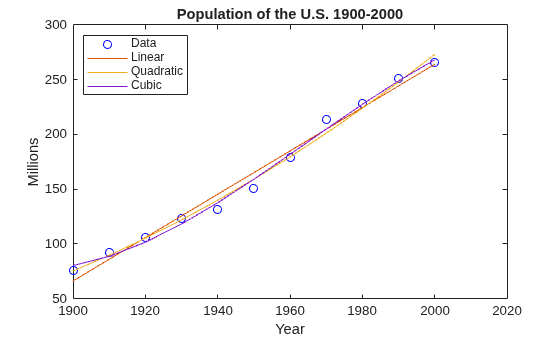
Introduction to the Live Editor
An introduction to the Live Editor. In the Live Editor, you can create live scripts that show output together with the code that produced it. Add formatted text, equations, images, and hyperlinks to enhance your narrative, and share the live script with others as an interactive document.
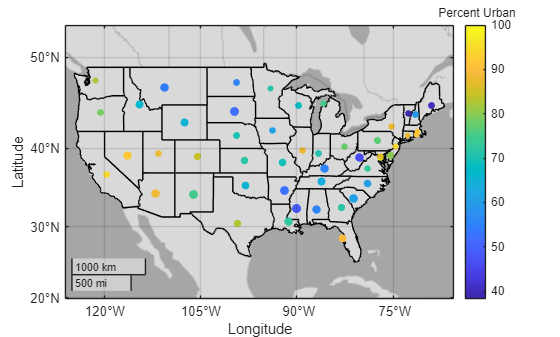
Accelerate Exploratory Programming Using the Live Editor
The following is an example of how to use the Live Editor to accelerate exploratory programming. This example demonstrates how you can use the Live Editor to:
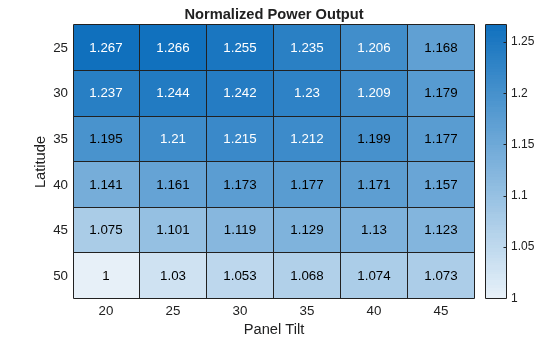
Create an Interactive Narrative Using the Live Editor
The following is an example of how to create an interactive narrative in the Live Editor. An interactive narrative ties together the computations that you use to solve a problem. This example shows how to:
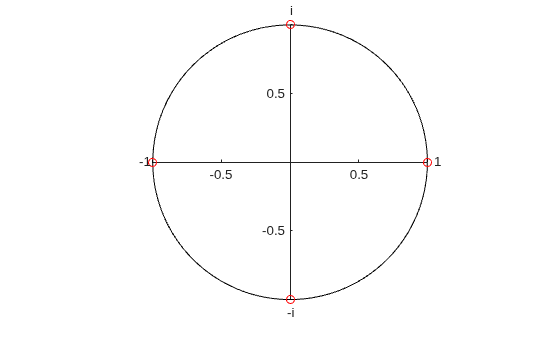
Create Interactive Course Materials Using the Live Editor
The following is an example of how to use live scripts in the classroom. This example shows how to:
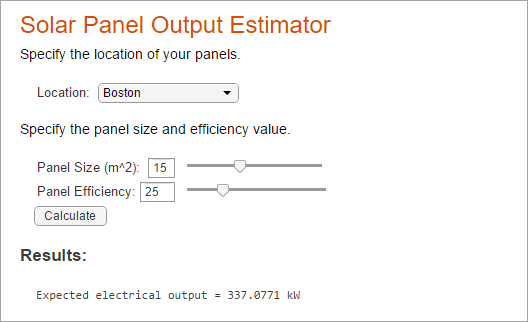
Create an Interactive Form Using the Live Editor
Use the Live Editor to create an interactive form that completes a calculation based on input provided by a user.
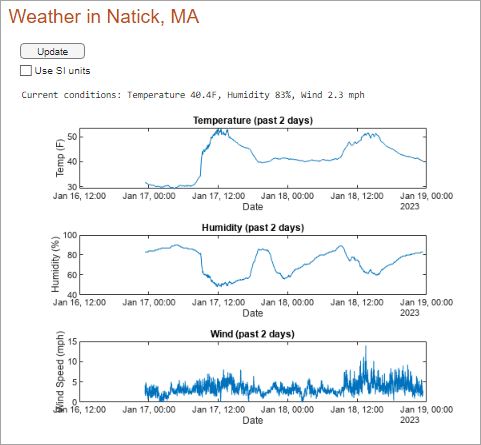
Create a Real-Time Dashboard Using the Live Editor
Use the Live Editor to create a dashboard for displaying and analyzing real-time data.
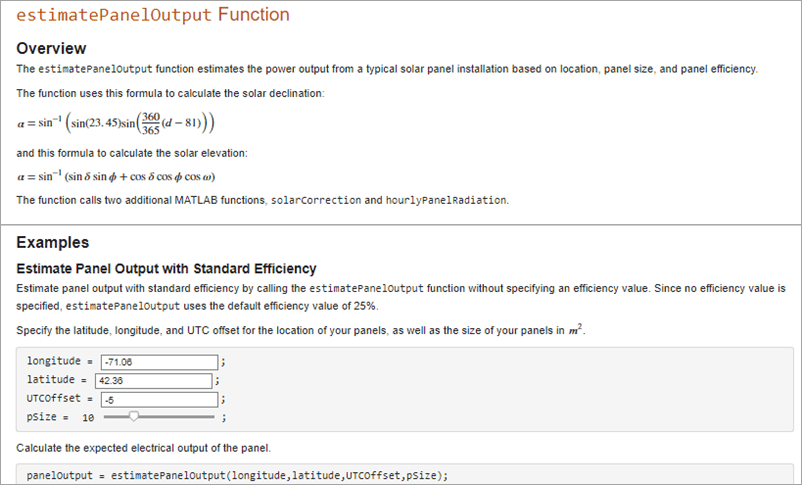
Create Runnable Examples Using the Live Editor
Use the Live Editor to document your functions.
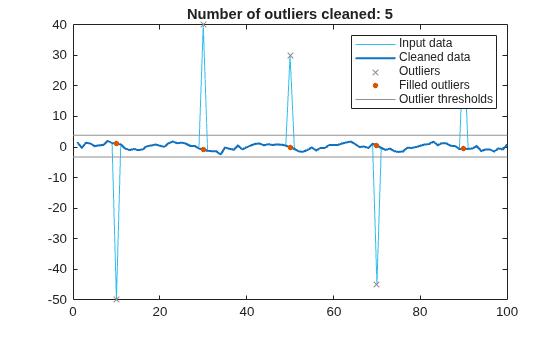
Clean Messy Data and Locate Extrema Using Live Editor Tasks
Interactively preprocess data with Live Editor Tasks.

