Algorithm Development
R2026bDevelop algorithms and prepare model for deploying on ArduPilot® Autopilots.
Blocks
Common Blocks
 | Current Ang Velocity | Reads current angular velocity (Since R2026a) |
 | Current Attitude | Reads current attitude (Since R2026a) |
 | Current Course | Read the current course in degrees from the ArduPilot Attitude Heading Reference System (AHRS) (Since R2026b) |
 | Current Position | Reads current position (Since R2026a) |
 | Current Velocity | Reads current velocity (Since R2026a) |
Copter Blocks
 | Ang Velocity Setpoint | Reads angular velocity setpoint (Since R2026a) |
 | Attitude Setpoint | Reads attitude setpoint (Since R2026a) |
 | Position Setpoint | Reads position setpoint (Since R2026a) |
 | Velocity Setpoint | Reads velocity setpoint (Since R2026a) |
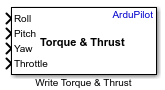 | Write Torque & Thrust | Writes normalized torque and thrust commands to the ArduPilot mixer (Since R2026a) |
Plane Blocks
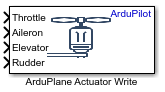 | ArduPlane Actuator Write | Set actuator values for motors and servos (Since R2026a) |
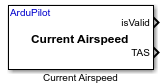 | Current Airspeed | Read the estimate of true airspeed (TAS) in m/s from the ArduPilot Attitude Heading Reference System (AHRS) (Since R2026b) |
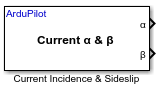 | Current Incidence & Sideslip | Read the estimated incidence and sideslip angles in degrees from the ArduPilot Attitude Heading Reference System (AHRS) (Since R2026b) |
 | RC Receive | Reads radio control (RC) channel data from transmitter supported by ArduPilot (Since R2026a) |
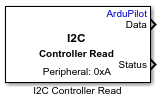 | I2C Controller Read | Read data from I2C peripheral device or device register (Since R2026b) |
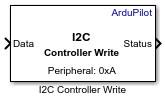 | I2C Controller Write | Write data to I2C peripheral device or device register (Since R2026b) |
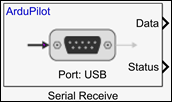 | Serial Receive | Receive data fromArduPilot serial (SCI) port (Since R2026b) |
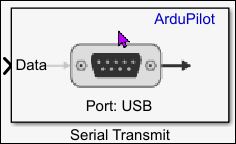 | Serial Transmit | Transmit data to an ArduPilot serial (SCI) port (Since R2026b) |
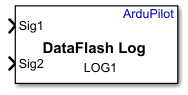 | DataFlash Log | Log input signals to ArduPilot DataFlash log (.bin) format on
the SD card (Since R2026b) |
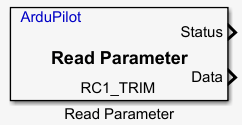 | Timestamp | Read parameter value from ArduPilot (Since R2026b) |
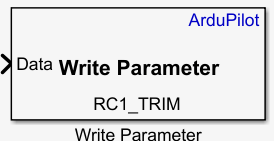 | Write Parameter | Write parameter value to ArduPilot (Since R2026b) |
| Read Parameter | Read parameter value from ArduPilot (Since R2026b) |
Model Settings
Topics
- What Is Sample Time and How Does It Work?
Concept of sample time and its role in simulations and control systems.
- Manually Set COM Port for Uploading and Communication
Set COM port for Upload and Communication in Simulink® models.
- Setting Up Communication Between ArduPilot Hardware and Ground Control Station
Learn how to establish communication between ArduPilot hardware and a Ground Control Station.
- Actuator Selection in Ground Control Station
Configure and verify actuator outputs using GCS.
- Deployment, Connected I/O, and Monitor and Tune
Deploy models, tune parameters in real time, and monitor performance.
Featured Examples
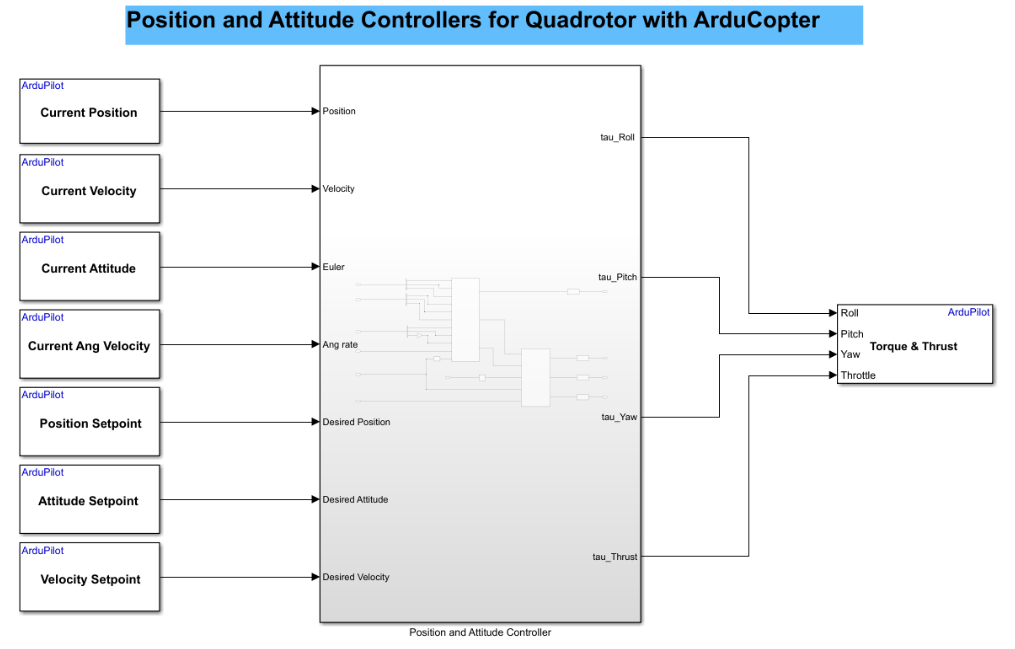
Design Position and Attitude Controllers for ArduCopter
Use the UAV Toolbox Support Package for ArduPilot® Autopilots to design position and attitude controllers for ArduCopter in Simulink®. This example is designed to run with the ArduPilot Host Target, allowing you to perform Software-in-the-Loop (SITL) simulation.
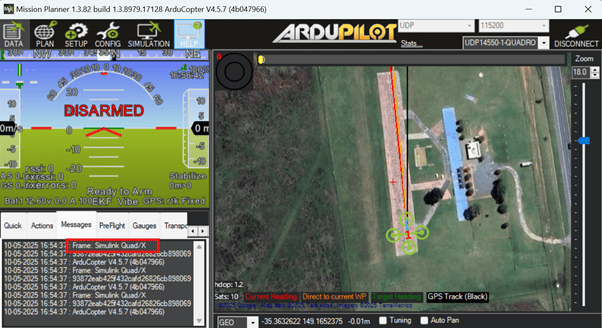
Fly a Custom Multicopter Airframe Using Simulink
Control a custom multicopter airframe by defining a custom mixer matrix in Simulink® and deploying it to ArduPilot® hardware. You will configure motor mixing logic that translates high-level flight commands into individual motor outputs, allowing your multicopter to respond correctly to throttle, roll, pitch, and yaw inputs.

Verify ArduPilot RC Transmitter Input with RC Receive Block
Test your RC transmitter with the RC Receive block in Simulink.
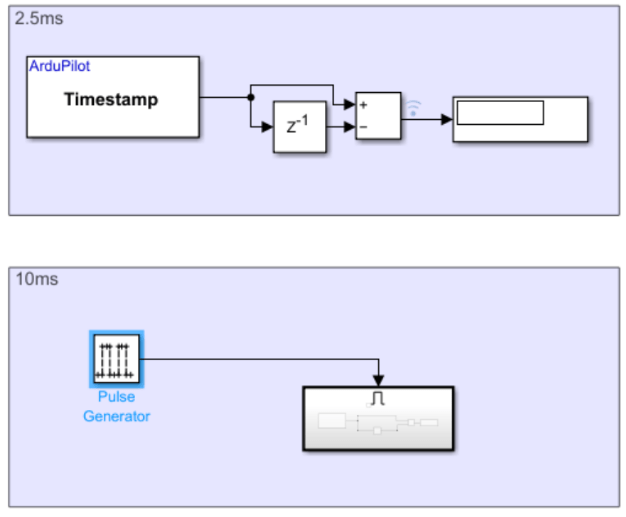
Implement Slower Execution Rates for Blocks in a Single-Rate Model
Use the UAV Toolbox Support Package for ArduPilot® Autopilots to run selected blocks at slower effective rates within a single-rate Simulink® model. The support package enforces a single fixed-step execution rate, determined by the main loop frequency of the ArduPilot firmware. As a result, all blocks in the model execute at this base rate. For example, 2.5 ms (400 Hz) for Copter and 20 ms (50 Hz) for Plane.
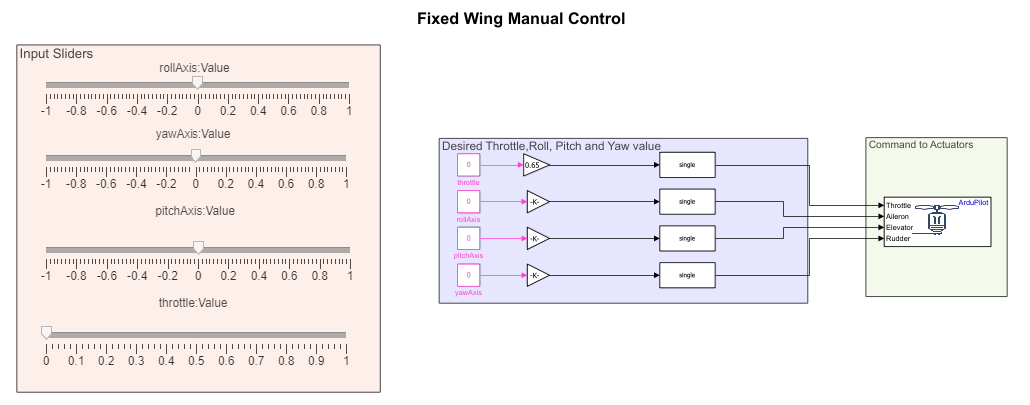
ArduPlane SITL Setup and Control Tutorial Using Simulink
Run an ArduPlane Software-in-the-Loop (SITL) simulation on a Windows® PC using Simulink®, Windows Subsystem for Linux (WSL), and Mission Planner. The workflow allows you to simulate, control, and tune a fixed-wing autopilot without deploying code to physical hardware.
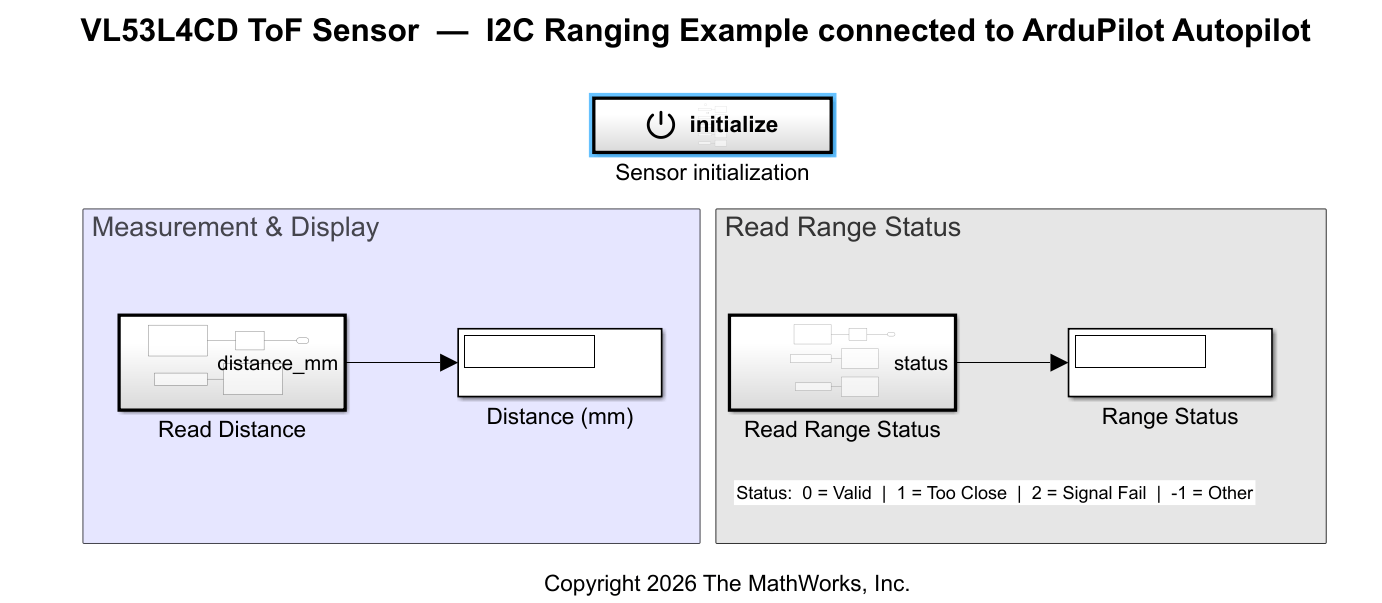
Read Distance Using VL53L4CD ToF Sensor Over I2C with ArduPilot Autopilot
Read distance measurements from a VL53L4CD time-of-flight (ToF) sensor connected to an ArduPilot autopilot over I2C. The model uses the I2C Controller Read and I2C Controller Write blocks from the UAV Toolbox Support Package for ArduPilot Autopilots to initialize the sensor, read range data, and decode the measurement status. You can use this sensor configuration for applications such as low-altitude obstacle detection, precision landing height measurement, or terrain-following flight modes.
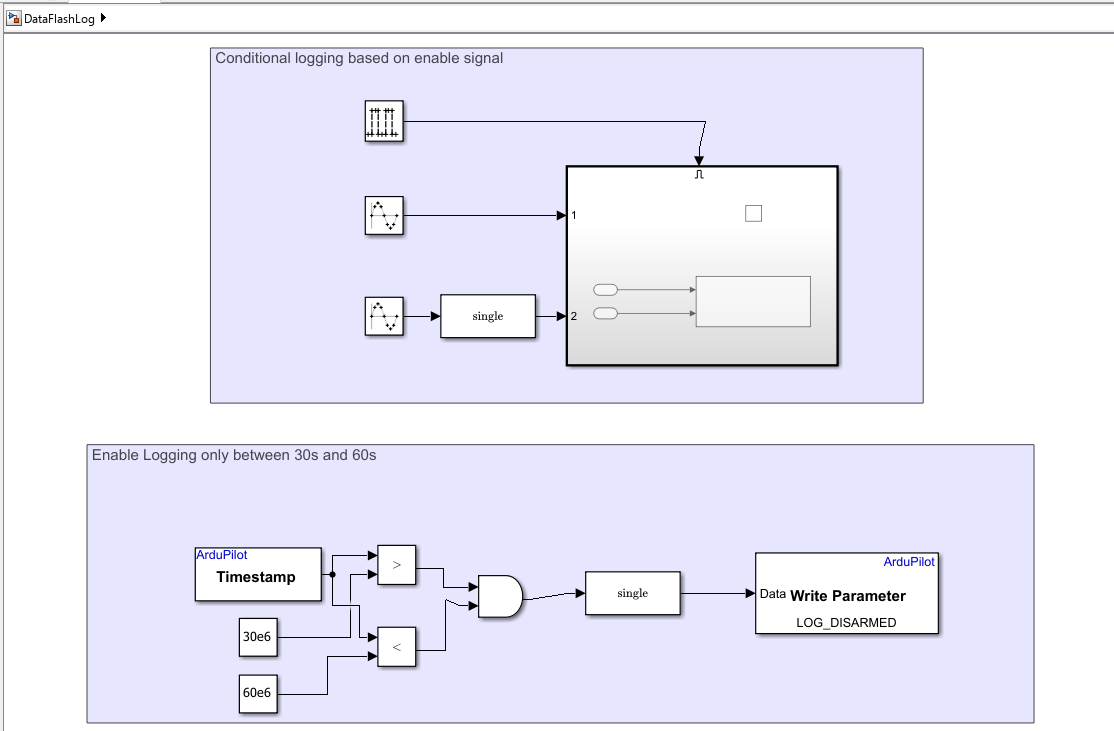
Log Simulink Signals to DataFlash Log on ArduPilot Autopilots
Log custom Simulink® signals to an ArduPilot® DataFlash log by using the DataFlash Log block from the UAV Toolbox Support Package for ArduPilot Autopilots. You deploy the model to supported ArduPilot hardware, run the model on the target, retrieve the generated .bin log file from the vehicle, and analyze the logged data in MATLAB®.
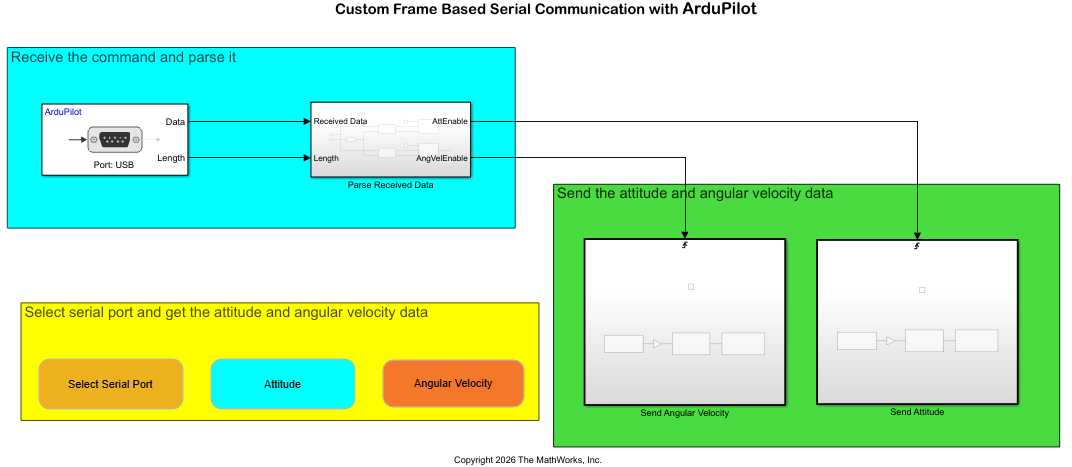
Send and Receive Custom Frame-Based Serial Data with ArduPilot
Send and receive custom frame-based serial data between a host computer and an ArduPilot® flight controller using the UAV Toolbox Support Package for ArduPilot Autopilots®. The example uses a request-response protocol in which a MATLAB® script on the host computer sends a data request, and the flight controller responds with the requested attitude or angular velocity data.
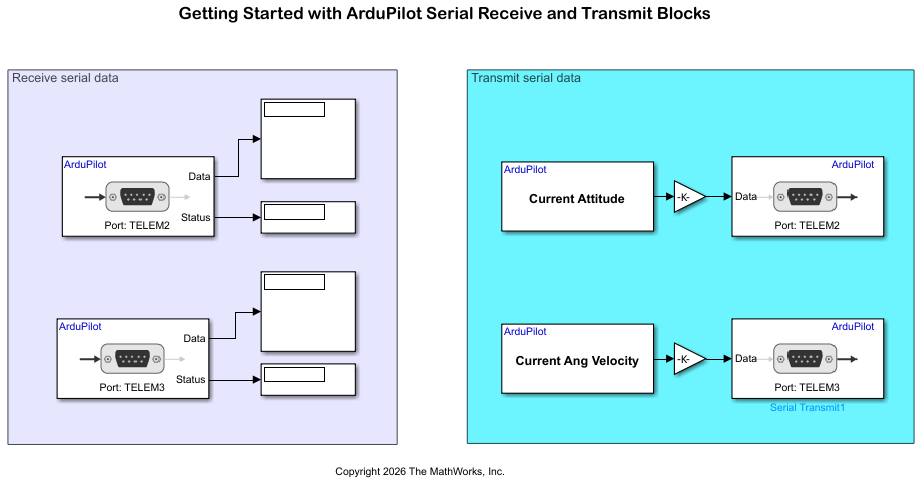
Getting Started with ArduPilot Serial Receive and Transmit Blocks
Configure two ArduPilot® telemetry ports for bidirectional loopback communication using Serial Transmit and Serial Receive blocks in Simulink®.

