

Contact MATLAB Technical Support:
Interacting wih figures in 2025a
142 visualizzazioni (ultimi 30 giorni)
Mostra commenti meno recenti
Hello!
After updating to MATLAB 2025a, I've noticed a significant decrease in performance when interacting with figures. Specifically, zooming, panning, and other figure manipulations are very slow and occasionally cause the program to freeze.
I often work with complex plots that include multiple tabs and numerous subplots, which means a large amount of data is being displayed. While I acknowledge this is a data-intensive use case, performance in previous MATLAB versions was much smoother.
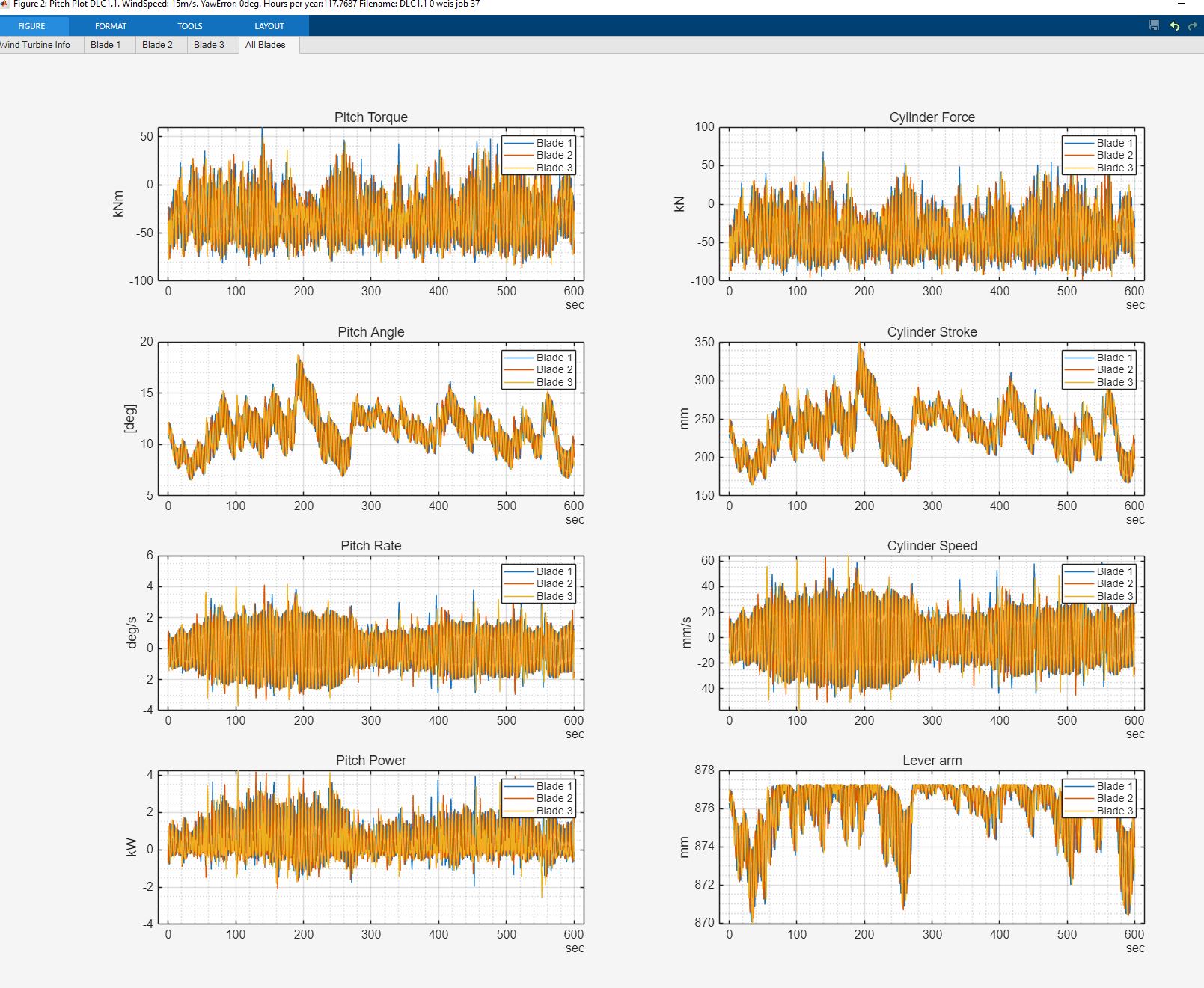
I'm wondering if anyone else has experienced similar issues since the 2025a update?
It appears that my integrated UHD graphics is being used as the renderer device, despite my laptop having a dedicated NVIDIA GeForce GPU. Are there any settings I can adjust to force MATLAB to use my dedicated GPU for rendering to improve performance?

Any insights or potential solutions would be greatly appreciated! Thank you.
4 Commenti

Mario
il 17 Ott 2025
I am experiencing exactly your same issues with 2025a&b. Not only that, a function that takes 2.3" in ver 2024b takes more than 5min in 2025a&b. Tech Support claims to not have experience anything like that.

Andres
il 21 Nov 2025 alle 17:41
I can confirm this observation, especially in a one-to-one comparison between R2024b and R2025b on the same computer. Opening a larger .fig file (~30MB) takes 10 seconds compared to 2 seconds in R2024b, and programmatic zooming (xlim...) takes about 5 seconds for this diagram, while it happens in an instant in R2024b.
Unfortunately, R2025b is unusable for me with this workflow, and the suggested change to the graphics settings below had no effect for me.
Does anyone have experience with a one-to-one comparison between R2025b and R2025b Update 1?
Risposte (1)

Ray
il 15 Set 2025
Modificato: Ray
il 15 Set 2025
Hi Søren,
You can switch the GPU for graphics rendering through the following steps:
- Open Windows Settings → System → Display → Graphics Settings
- Select "Choose an app to set preference" → "Classic App"
- Click "Browse" and navigate to: C:\Program Files\MATLAB\R2025a\bin\win64\matlabwindowhelper.exe (Path may differ on Win32 systems)
- Click "Options" and select "High performance" with your Nvidia GPU
- Save the settings
5 Commenti

dpb
il 15 Set 2025
"I suppose one might be expected to go look at system settings..."
Even if a user were to go do so, that they would think of
- Select "Choose an app to set preference" → "Classic App"
to manually set preferences for a "classic" brand-new release of MATLB would be, I suspect a real stretch fo come up with in isolation.
Ray
il 18 Set 2025
Thank you for the suggestions!
Regarding your question: This behavior can occur on machines with multiple GPUs (e.g., the Intel and the Nvidia GPUs here), where MATLAB R2025a may default to the integrated or lower-end GPU.
We’re aware of this and are preparing an External Bug Report so users can follow updates. We’re also working on a mitigation to guide users in selecting the GPU they want MATLAB to use for graphics.
Vedere anche
Categorie
Scopri di più su Graphics Performance in Help Center e File Exchange
Community Treasure Hunt
Find the treasures in MATLAB Central and discover how the community can help you!
Start Hunting!
Translated by 

Puoi anche selezionare un sito web dal seguente elenco:
Americhe
- América Latina (Español)
- Canada (English)
- United States (English)
Europa
- Belgium (English)
- Denmark (English)
- Deutschland (Deutsch)
- España (Español)
- Finland (English)
- France (Français)
- Ireland (English)
- Italia (Italiano)
- Luxembourg (English)
- Netherlands (English)
- Norway (English)
- Österreich (Deutsch)
- Portugal (English)
- Sweden (English)
- Switzerland
- United Kingdom(English)
Asia-Pacifico
- Australia (English)
- India (English)
- New Zealand (English)
- 中国
- 日本Japanese (日本語)
- 한국Korean (한국어)