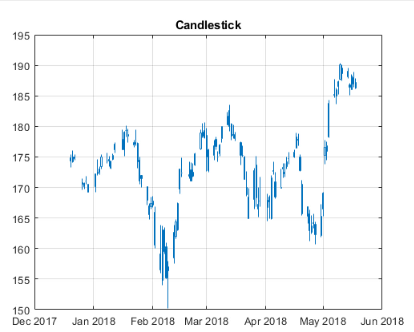
How to import data from Datastream Web Services using MATLAB
This example is for the video demo with the same title showing how to retrieve historical data from Datastream Web Services (DSWS).

Al momento, stai seguendo questo contributo
- Vedrai gli aggiornamenti nel tuo feed del contenuto seguito
- Potresti ricevere delle email a seconda delle tue preferenze per le comunicazioni
Cita come
MathWorks Quant Team (2026). How to import data from Datastream Web Services using MATLAB (https://it.mathworks.com/matlabcentral/fileexchange/68800-how-to-import-data-from-datastream-web-services-using-matlab), MATLAB Central File Exchange. Recuperato .
Informazioni generali
- Versione (59,4 KB)
Compatibilità della release di MATLAB
- Compatibile con R2018b e release successive
Compatibilità della piattaforma
- Windows
- macOS
- Linux

