Gestione degli esperimenti
R2026aUtilizzare l'app Experiment Manager per creare esperimenti computazionali che eseguono il codice MATLAB utilizzando un intervallo di valori di parametri, gestire gli artefatti dell'esperimento in modo automatico e confrontare i risultati. Per iniziare, vedere Explore Parameters Using Simple Computational Experiment.
Questa pagina contiene informazioni generali sull'utilizzo di Experiment Manager. Per informazioni sugli esperimenti relativi ai workflow dell'IA, vedere Experiment Manager (Deep Learning Toolbox).
App
| Experiment Manager | Explore parameters in your MATLAB code and compare experiment results (Da R2023b) |
Argomenti
Configurazione dell'esperimento
- Explore Parameters Using Simple Computational Experiment
Interactively explore parameters in your MATLAB code and organize the results by using the Experiment Manager app. (Da R2023b) - Visualize Experiment Results with Plots
Generate plots to visualize your experiment trial results by including plotting code in the experiment function. (Da R2023b) - Configure Experiment to Solve Ordinary Differential Equations Using Template
Set up an experiment to solve ordinary differential equations using a provided experiment template. (Da R2024b) - Debug General-Purpose Experiments
Diagnose problems in your experiment function. - Keyboard Shortcuts for Experiment Manager
Navigate Experiment Manager using only your keyboard.
Riduzione del tempo di esecuzione dell'esperimento
- Optimize Experiment Performance Using Initialization Function
Improve the performance of your experiment trials by moving setup code into an initialization function. (Da R2023b) - Run Experiments in Parallel
Run multiple simultaneous trials or one trial at a time on multiple workers. - Offload Experiments as Batch Jobs to a Cluster
Run experiments on a cluster so you can continue working or close MATLAB.
Informazioni complementari
Esempi in primo piano
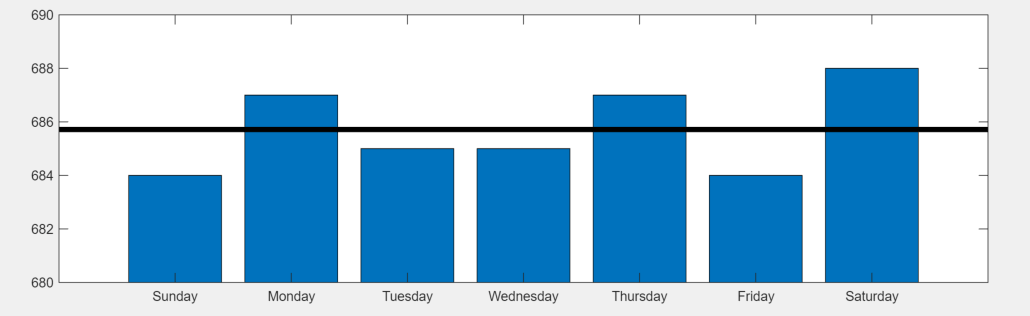
Convert MATLAB Code into Experiment
Convert your existing MATLAB code into an experiment that you can run using the Experiment Manager app.
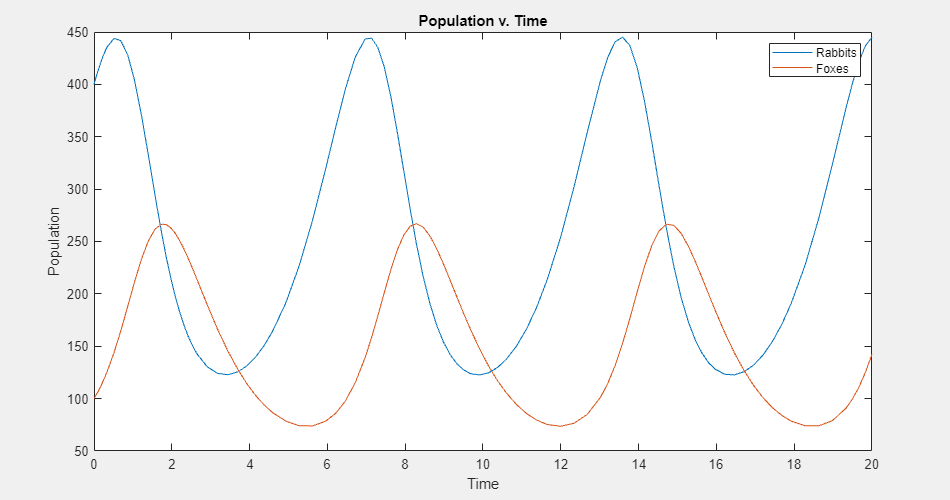
Experiment with Predator-Prey Equations
Explore different coefficients and initial values for a system of differential equations.
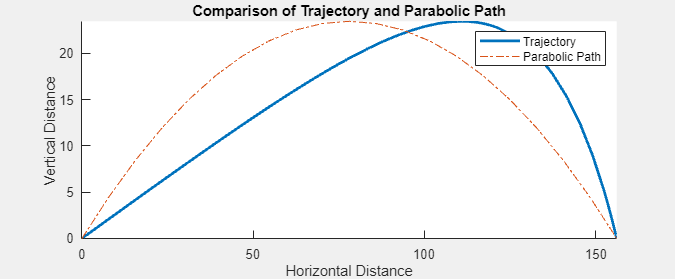
Compare Air Resistance Models for Projectile Motion
Calculate projectile trajectories assuming different models for air resistance.

