ROS Network Connection and Exploration
R2026bConnect to ROS to prototype robotics applications and access robotics hardware or
simulators over a ROS network. You can create your own ROS network using MATLAB® or connect to an existing ROS network. To set up a ROS network, start
by calling rosinit.
You can access transformations between coordinate systems as ROS topics and use them to transform data in MATLAB. For more information, see Access the tf Transformation Tree in ROS.
The rosrate
object helps control the timing of code execution.
Note
As of May 31, 2025, ROS 1 has reached end of life and is no longer officially supported. Migrating to ROS 2 is recommended to access the latest features and updates. For more information on equivalent ROS Toolbox features supporting network connection and exploration, see ROS 2 Network Connection and Exploration.
Functions
Objects
Blocks
 | Blank Message | Create blank message using specified message type |
 | Current Time | Retrieve current ROS time or system time |
 | Set Parameter | Set values on ROS parameter server |
 | Coordinate Transformation Conversion | Convert to a specified coordinate transformation representation |
Topics
- ROS Network Setup
Summary of ROS network setup and information required for connection.
- Execute Code Based on ROS Time
Using a
rosrateobject allows you to control the rate of your code execution based on the ROS Time/clocktopic.
Featured Examples
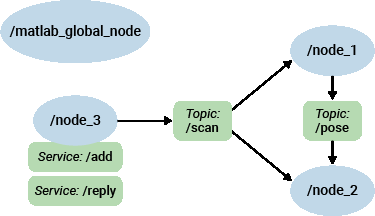
Get Started with ROS
Set up ROS within MATLAB, and get information about ROS network and ROS messages.
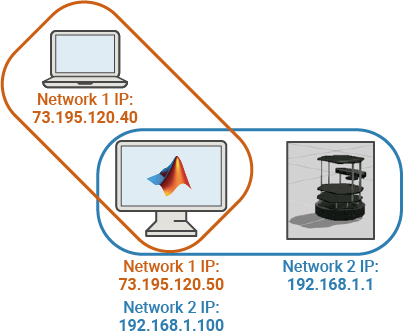
Connect to a ROS Network
Create a ROS master in MATLAB and connect to an external ROS master.

Access the ROS Parameter Server
Add and retrieve parameters on the ROS parameter server.
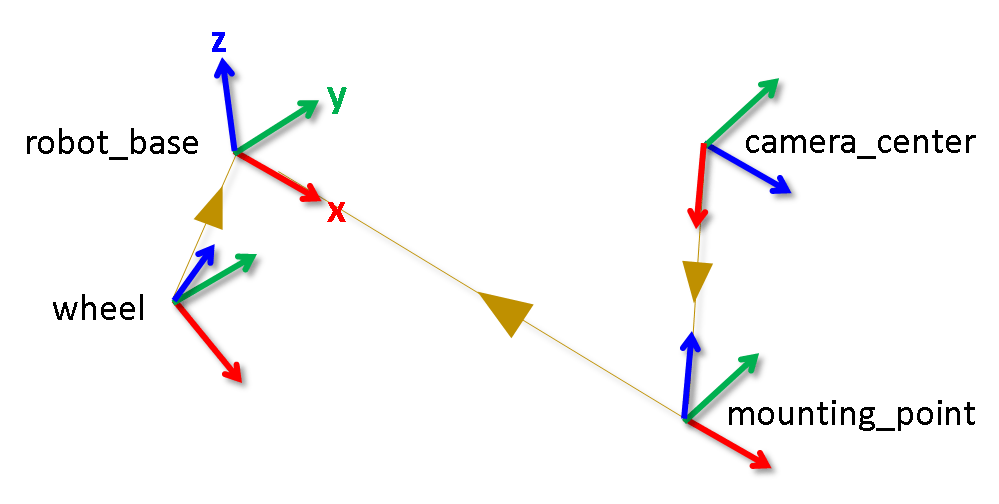
Access the tf Transformation Tree in ROS
Access available coordinate frames, retrieve transformations between them, and transform points, vectors, and other entities between any two coordinate frames.
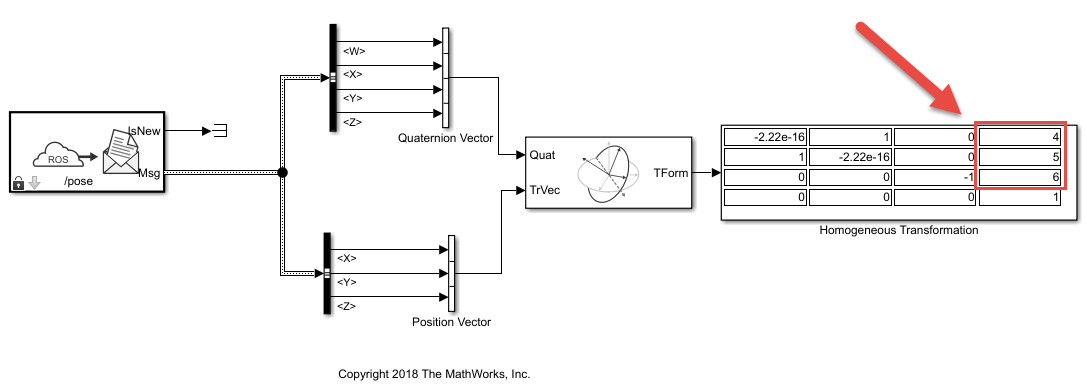
Convert a ROS Pose Message to a Homogeneous Transformation
This model subscribes to a Pose message on the ROS network and
converts it to a homogeneous transformation.
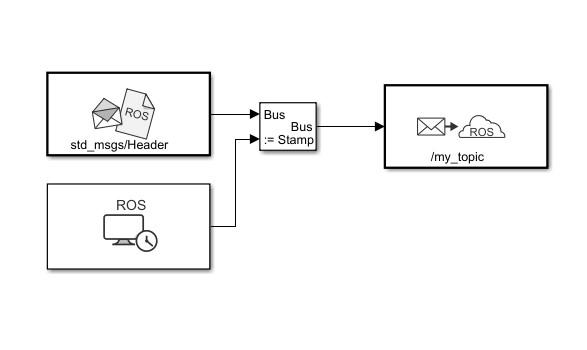
Time Stamp ROS Message Using Current Time in Simulink
Time stamp a ROS message with the current system time of your computer.

