Import and Spatial Referencing
R2026bMedical Imaging Toolbox™ supports specialized file formats that store medical image data and
metadata that describes the patient, imaging procedure, and spatial referencing.
Spatial referencing specifies the location of an
image in the patient coordinate system, which is defined relative to the anatomical axes
of the patient. The medicalVolume and medicalImage
objects automatically parse metadata to import and store image data and spatial
information from DICOM, NIfTI, and NRRD files. You can also read the image and metadata
separately using functions for each file format.
You can also read large microscopy images using the OpenSlide and Bio-Formats libraries by using the Medical Imaging Toolbox Interface for Whole Slide Imaging File Reader. You can install the support package from the Add-On Explorer. For more information about installing add-ons, see Get and Manage Add-Ons.
Functions
Topics
- Medical Image Coordinate Systems
Learn how image locations are defined in the intrinsic and patient coordinate systems.
- Working with PACS Server for DICOM Image Retrieval
This example shows you how to establish a connection with a Picture Archiving and Communication System (PACS) server and retrieve DICOM images from the PACS server. (Since R2024b)
- DICOM Support in Image Processing Toolbox
The Digital Imaging and Communications in Medicine (DICOM) Standard facilitates access to image data and files across medical imaging equipment.
- Mayo Analyze 7.5 Files
Analyze 7.5 is a file format, developed by the Mayo Clinic, for storing MRI data.
- Interfile Files
Interfile is a file format that was developed for the exchange of nuclear medicine image data.
- Work with Whole Slide Images Using OpenSlide and Bio-Formats
Read metadata and images from WSI file formats using the OpenSlide and Bio-Formats libraries.
Featured Examples
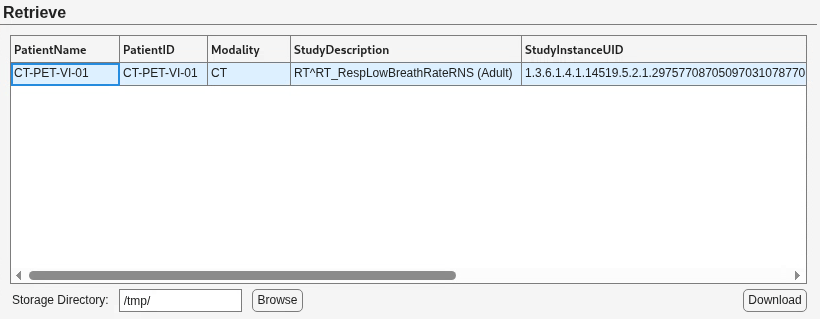
Create an App for Retrieving DICOM Data from PACS Server
Build an app using App Designer to connect to Picture Archiving and Communication System (PACS) servers, query medical imaging data, and retrieve DICOM data sets.
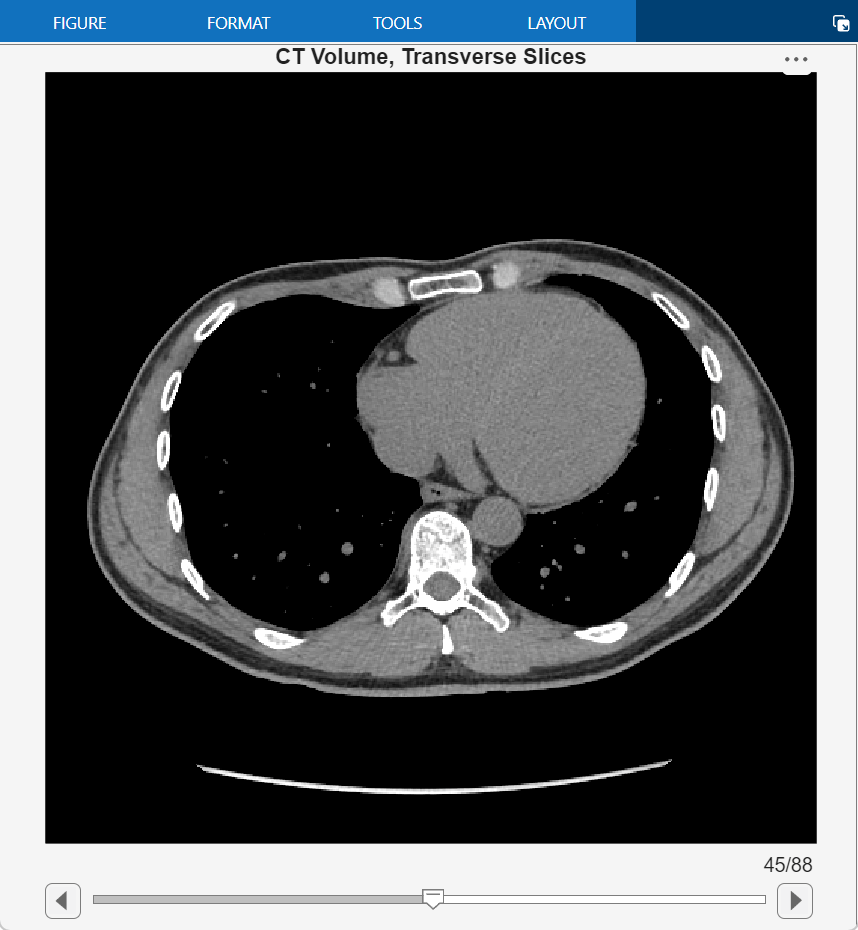
Read, Process, and Write 3-D Medical Images
Import and display a medical image volume in patient coordinates, apply a smoothing filter.
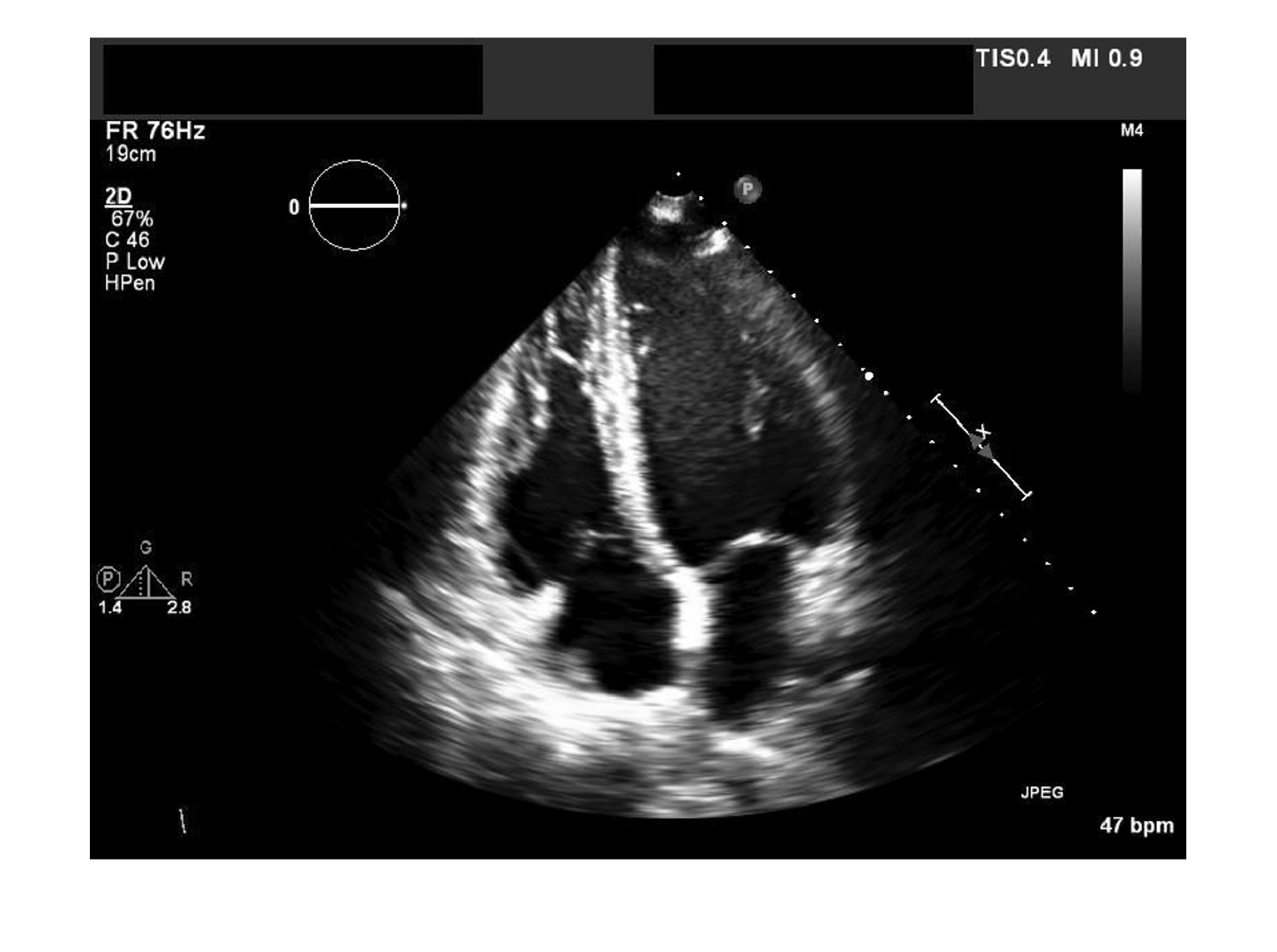
Read, Process, and View Ultrasound Data
Import and display a 2-D multiframe ultrasound series, and apply a denoising filter to each frame.

