Blocchi personalizzabili
R2026bUtilizzare i blocchi della libreria Customizable Blocks per progettare controlli e display della dashboard il cui aspetto corrisponda a quello dei componenti del sistema reale. Configurare la forma, il colore, le etichette, le tacche e gli intervalli degli indicatori per creare un'interfaccia realistica per il modello.
Analogamente ai blocchi Dashboard standard, i blocchi personalizzabili si collegano ai parametri o ai segnali regolabili e consentono di visualizzare e modificare i valori durante la simulazione. Per ulteriori informazioni, vedere Simulazioni di controllo tramite dashboard interattive.
Per aggiungere blocchi da questa libreria al modello, vedere Add Blocks to Models.
Blocchi
 | Callback Button | Execute MATLAB code using button with customizable appearance |
 | Check Box | Change parameter or variable value during simulation using check box with customizable appearance (Da R2024b) |
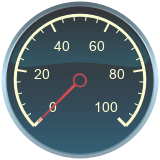 | Circular Gauge | Display signal value during simulation on circular gauge with customizable appearance |
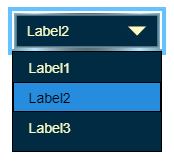 | Combo Box | Change parameter or variable value during simulation using combo box with customizable appearance (Da R2025a) |
 | Display | Display signal value during simulation in box with customizable appearance (Da R2023b) |
 | Edit | Enter new value for parameter or variable during simulation in edit box with customizable appearance (Da R2026a) |
 | Half Gauge | Display signal value during simulation on gauge shaped as half-circle with customizable appearance (Da R2024a) |
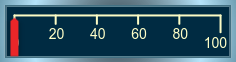 | Horizontal Gauge | Display signal value during simulation on horizontal gauge with customizable appearance |
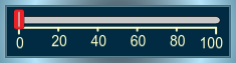 | Horizontal Slider | Change parameter or variable value using horizontal slider with customizable appearance |
 | Knob | Change parameter or variable value using knob with customizable appearance |
 | Lamp | Display color that reflects signal value on lamp with customizable appearance |
 | MultiStateImage | Display images based on signal values on block with customizable appearance (Da R2026b) |
 | Push Button | Change parameter or variable value using button with customizable appearance |
 | Quarter Gauge | Display signal value during simulation on gauge shaped as quarter-circle with customizable appearance (Da R2024a) |
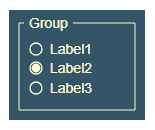 | Radio Button | Change parameter or variable value during simulation using radio button with customizable appearance (Da R2025a) |
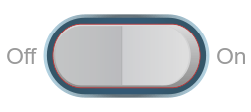 | Rocker Switch | Change parameter or variable value using switch with customizable appearance |
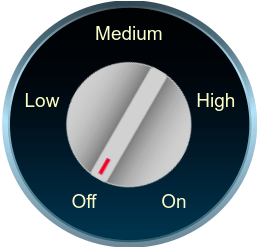 | Rotary Switch | Change parameter or variable value using rotary switch with customizable appearance |
 | Slider Switch | Change parameter or variable value using switch with customizable appearance |
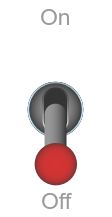 | Toggle Switch | Change parameter or variable value using switch with customizable appearance |
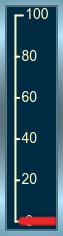 | Vertical Gauge | Display signal value during simulation on vertical gauge with customizable appearance |
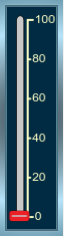 | Vertical Slider | Change parameter or variable value using vertical slider with customizable appearance |
Strumenti
| Library Browser | Find and add blocks to model |
Argomenti
- Add Blocks to Models
Use the Library Browser and quick insert menu to insert blocks.
Informazioni complementari
Esempi in primo piano
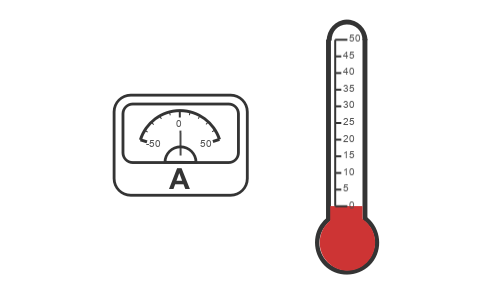
Design Custom Gauges
Design gauges using the Circular Gauge, Horizontal Gauge, and Vertical Gauge blocks.
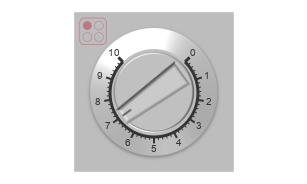
Design Custom Knobs
Design knobs using the customizable Knob block.
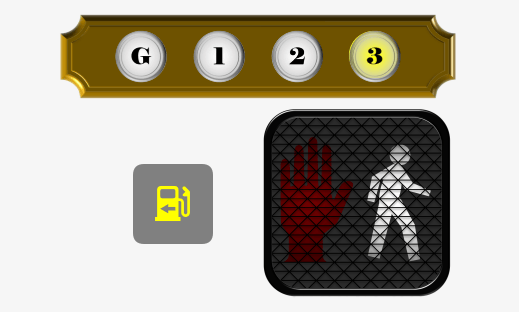
Design Custom Lamps
Design lamps using the customizable Lamp block.
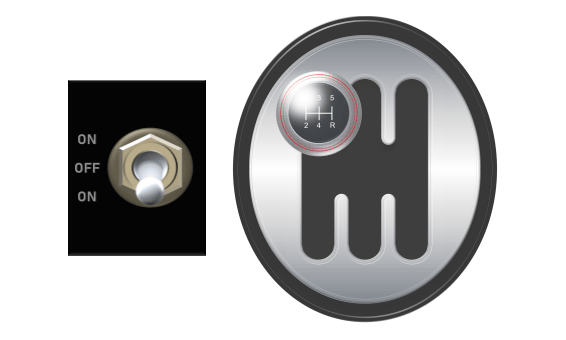
Design Custom Rocker, Slider, and Toggle Switches
Design switches using the customizable Rocker Switch, Slider Switch, and Toggle Switch blocks.
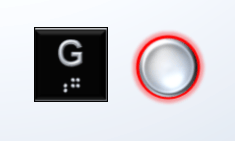
Design Custom Buttons
Design buttons using the customizable Callback Button and Push Button blocks.
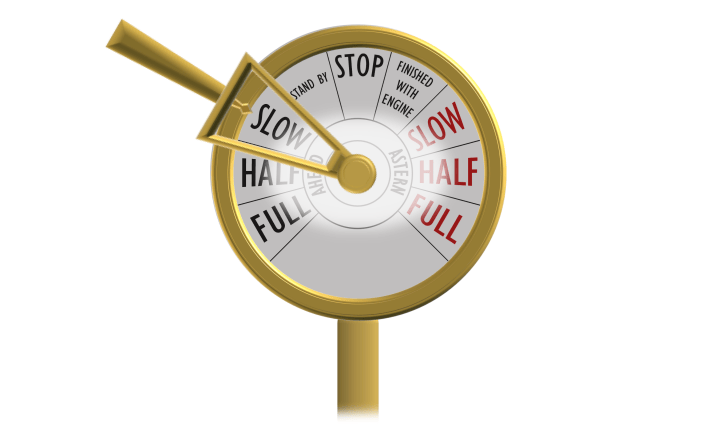
Design Custom Rotary Switches
Design rotary switches using the customizable Rotary Switch block.
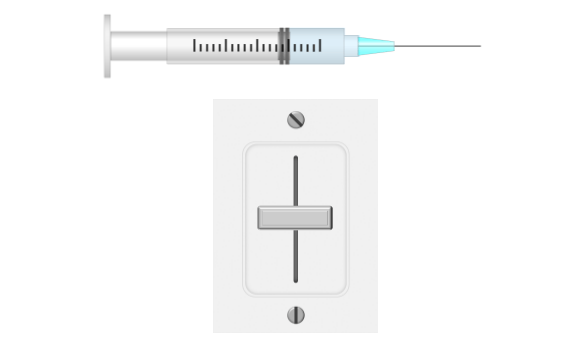
Design Custom Sliders
Design slider switches using the customizable Slider Switch block.
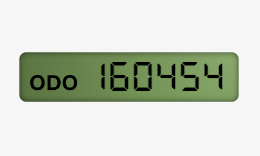
Design Custom Displays
Design displays using the customizable Display block.

